 ▾
▾RCS chat is appearing more frequently in mobile devices, especially with the arrival of iOS 18 and the gradual phasing out of older networks. It is a method of communication that uses the internet, offering higher quality sharing of photos and videos than traditional SMS. We'll explain what RCS means and when it makes sense to keep it enabled.
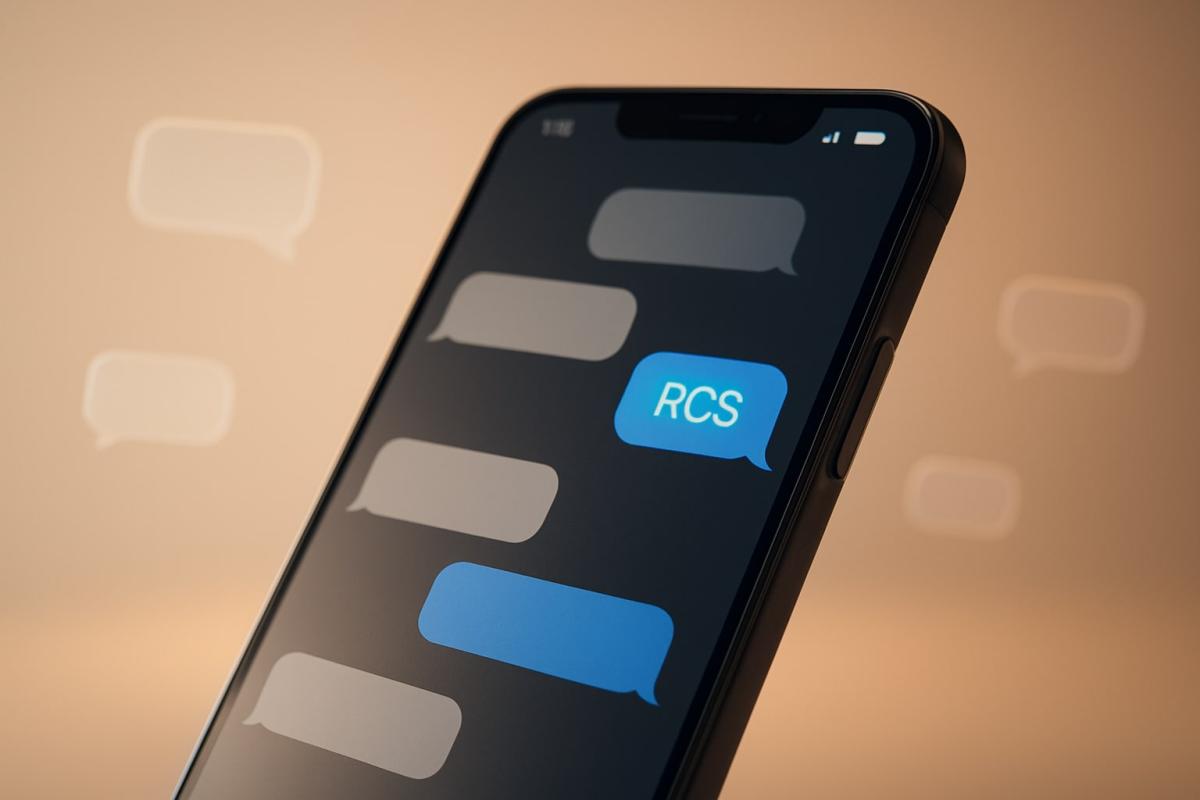
You might have noticed that some messages send faster, multimedia arrive in better quality, and you occasionally see an indicator that the other party is typing. This is an RCS message, a more modern way of communication that is gradually replacing traditional SMS. It works over the internet, bypassing the limitations of old networks, and is usually enabled by default on most phones, without needing any setup.
RCS runs quietly in the background most of the time. People start to notice it when messages behave differently than usual, like when a conversation reverts to classic SMS, when a large file refuses to send, or when it's unclear why a message didn't send as expected. It's in these moments that the question often arises: what is an RCS message, and how do we turn off RCS if we want to send messages in the traditional way?
This article will look at how RCS works, how it differs from SMS, when it's beneficial to use, and when it might be worth switching back to the traditional method of sending messages.
What RCS chat is and how it works
RCS chat is a modern standard for messaging, developed as a replacement for SMS and MMS at a time when old 2G networks are being phased out. It works over data transmissions and uses the infrastructure of operators or global RCS servers from Google. Users are still identified by their phone number, but the communication itself happens over the internet, not restricted by the limits of original SMS and MMS. An RCS message can therefore transmit photos or videos in full quality, send files, and show information about whether a contact is available or currently typing.
Operators began implementing RCS in 2012, and Google added RCS to its Messages app in 2018. In 2019, Google launched global RCS servers, making the service accessible even where operators hadn't yet implemented it. Later, phone manufacturers joined in. Samsung, since 2021, has prioritized Google's Messages in selected regions and Apple introduced RCS in iOS 18 with operator support.
RCS handles text, multimedia, group chats, file transfers, and displays information about contact activity. Google also introduced message content encryption, first for two-person conversations and later for groups, and is working on a new security technology called MLS to further enhance protection.
As a result, RCS messages function like regular modern conversations but still use your phone number and operate within the services of an operator. If someone on the other end doesn't support RCS, the communication automatically reverts to classic SMS or MMS without user intervention.
How to tell if your messages are sending via RCS
You can check if an RCS message is being sent directly in the messaging app you use. In Google Messages, there's a setting option called RCS Chats, showing whether the service is active and connected. Samsung phones have the same information in the Chat Features section.
RCS requires an internet connection. If Wi-Fi or mobile data isn't available and alternative sending isn't enabled, the message won't go via RCS. In these situations, it might be useful to look through the settings options regarding how to switch RCS to SMS or how to disable RCS messages if you want control over the sending method.
On newer phones using Google Messages as the default app, the RCS status follows the same setting regardless of the manufacturer.
Advantages of RCS messages and when to keep them enabled
Besides the benefits described in relation to regular messaging, RCS messages offer features that extend the possibilities of communication. These include a richer contact list, allowing you to see which services can be used with a given contact. RCS also supports content sharing during calls, can handle location information, and lets you add certain participants to a blacklist if you don't want them in your conversations.
RCS works across different operators and devices and still uses your phone number, so you don't have to adapt to another app. The service was launched for free and adjusts to what is available between both parties, running in the background without the need for interference.
Keeping RCS enabled is particularly beneficial when the other party also supports it. In such cases, you can take advantage of all the service's available options without worrying about how to turn off RCS or how to cancel RCS messages because the communication operates automatically.
Disadvantages of RCS messages and when it might be better to turn them off
RCS messages rely on data transmissions, so without available Wi-Fi or mobile data, they can't function. If you don't have alternative sending via SMS or MMS enabled on your phone, there might be situations where an RCS message simply waits for a connection. In such cases, it's useful to know how to switch RCS to SMS so messages can be sent even without internet.
Problems can also arise when the other party doesn't support RCS or has it disabled. While the system works automatically, communication may not proceed as expected. If such situations repeat, it may be simpler to look at how to disable RCS messages and let messaging happen in the traditional way.
RCS is also unsuitable if you want full control over sending. If you prefer the certainty that messages always send immediately as SMS, it is useful to know how to turn off RCS chat and set the phone to avoid using data transmissions for messaging.
How to disable RCS on Android
On Android phones, RCS chats are generally activated automatically. In the Google Messages app, you find the settings at the account icon in the top right. In the Messages app settings section, there's an item called RCS Chats where you can disable and re-enable the function. This section also lets you determine whether messages should be sent as SMS or MMS if an internet connection isn't available.
On older Samsung phones still using the Samsung Messages app, the same options are in the menu on the top right in the Chat Settings section. You can disable chat function here and adjust behavior for switching between RCS chat and classic SMS. For newer Samsung models already using Google Messages as the default app, the same procedure applies as on other Android phones.
How to disable RCS on iOS
On iPhones, RCS is also enabled automatically. It can be disabled in the Phone Settings under the Applications menu. After opening the Messages section, there's an item called RCS Messages in the Text Messages part, where this option can easily be deactivated. iOS also allows the service to be re-enabled at any time if you need to use it.
Why we will hear about RCS more and more frequently
RCS is rapidly expanding as it is gradually being adopted by all major manufacturers and operators. The standard is becoming a common part of new phones and no longer requires additional installation. As older networks are gradually being shut down, communication is increasingly transitioning to data services, which offer more possibilities than classic SMS.
It is therefore expected that RCS chat will be seen more often on mobile devices and most phones will work with it automatically. Users will thus encounter this method of sending messages even in situations where they previously didn't consider it.
Is blue light really a problem? The answer isn't so simple

The topic of blue light has led to many simplifications and unnecessary fears. Blue light exposure before sleep is often discussed, but its impact is not limited to just sleep. Let's put things in context, separate facts from myths, and see when it makes sense to address its effects and when it is more about excessive concern.
Are you chatting with a human or a bot? How to identify AI in chat

Online chats are often handled by artificial intelligence today, and at first glance, the responses appear to be from a real person. This is especially true for customer support, where speed and fluency are key. We'll look at how to identify AI in chat, what signs you can use to distinguish it from a human, and where the line of recognition becomes very thin.
What is ransomware and why does it no longer threaten only large companies?

Ransomware attacks are among the most common cyber threats today and are no longer just a concern for large companies. Just one careless click can cost you access to your data. We'll explain what ransomware is, how it works, and why attackers are increasingly targeting average users and smaller businesses.
How zero trust works: why mere connectivity no longer means safety

Connecting to the internet today is not just a matter of speed but also of trust. Networks handle more and more devices, sensitive data, and services that communicate almost constantly. This is why an approach called zero trust has emerged, where nothing is automatically considered safe. The article explains why this model was created and how it subtly influences everyday internet functioning.
10 reasons why your phone is drained sooner than expected

It happens that the battery life decreases faster than one would expect, even when the device is not particularly stressed during the day. Often, it's not a single specific error but a sum of small influences that gradually accumulate. This article explains what has the greatest impact on battery life, when idle draining occurs, and why this can turn into an issue causing the phone not to last even one day.
Wi-Fi on a plane? Yes, but it works differently than at home

Connecting to the internet during a flight is no longer an exception, but it still doesn't work as you're used to at home. In-flight Wi-Fi depends on the technology used, the type of aircraft, and network congestion, and paying for access doesn't always mean fast connection. In this article, we'll explain how in-flight internet works, why it can be slow, and when you can rely on it.