 ▾
▾Does your video keep buffering or game lag, even though you pay for 'fast internet'? Perhaps you simply don't have the right one for what you do at home. What internet speed do you need for watching TV, streaming movies, working from home, or online gaming? Find a clear comparison in the article.
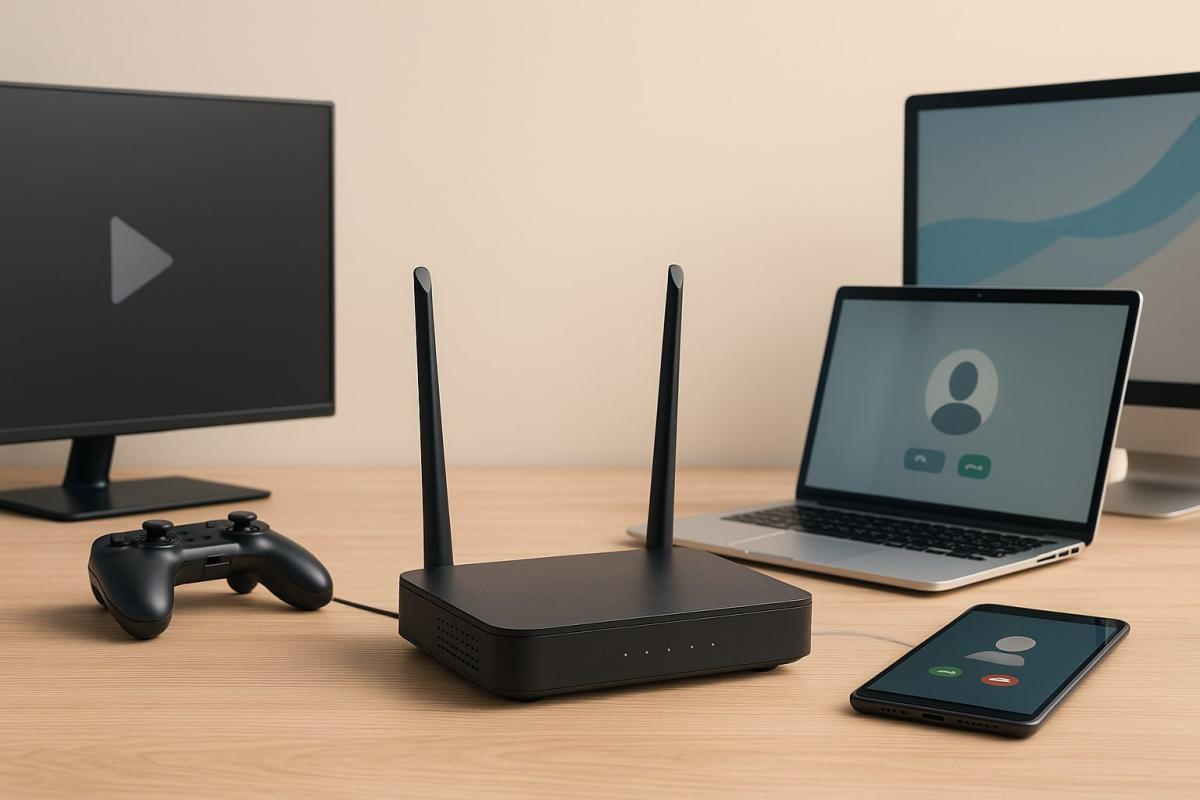
Picture stuttering, slowed loading, or unstable video calls. Problems that can ruin an evening or workday – and usually occur at a time when you really don't want them.
Often, it's not a malfunction or a weak plan but a combination of circumstances: multiple devices and people sharing the connection at once. Every activity, even the seemingly low-demand ones, takes up some of the internet's bandwidth.
The question 'what internet speed is sufficient?' thus doesn't have a simple answer. It depends on how you use the internet at home, how many of you there are, and what tasks are running simultaneously. Let's break down the various scenarios.
Watching TV over the internet
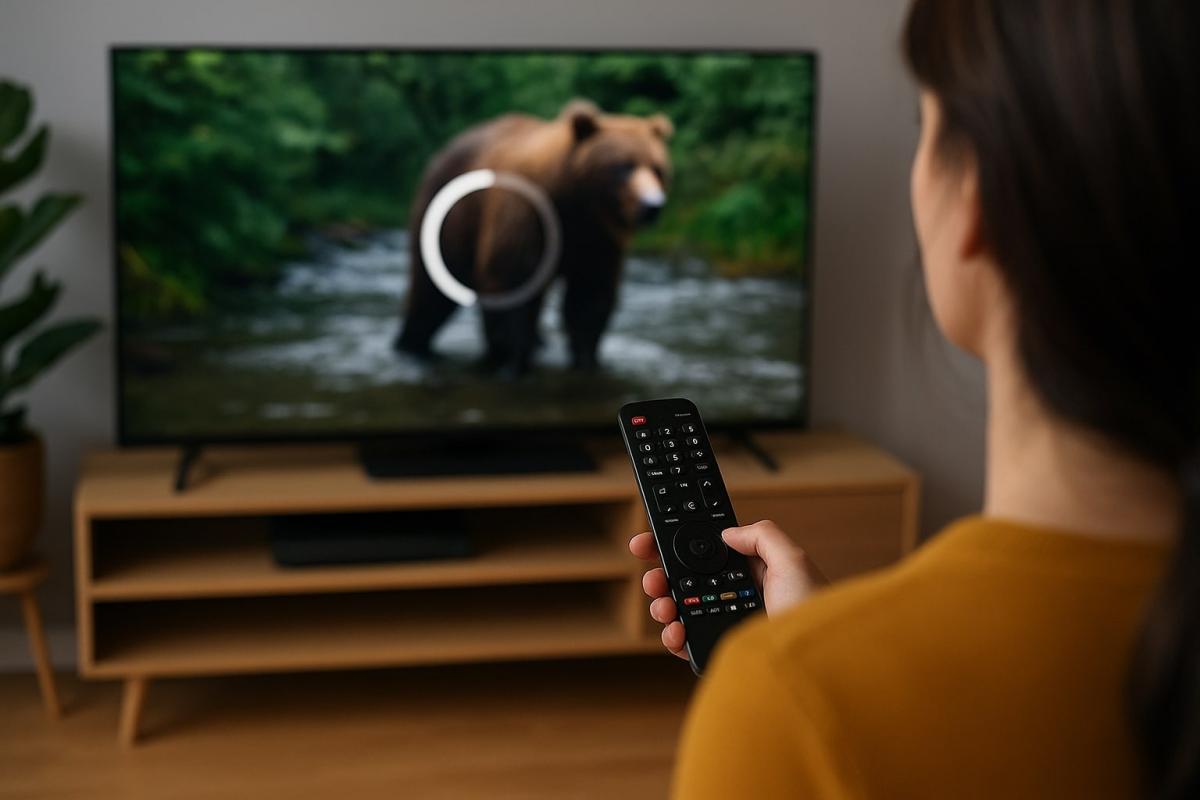
Watching TV is often done over the internet today, using a smart TV, TV apps, or a set-top box with internet connectivity. Such broadcasting transmits live video in real-time and is sensitive to speed fluctuations and short outages.
What internet speed do you need for watching TV?
It mostly depends on the quality of the streamed video. For standard HD resolution, it's advisable to allow for at least 8 to 12 Mb/s. If you watch shows in Full HD or 4K, it's recommended to have 20 to 30 Mb/s – especially if multiple devices are connected in the household simultaneously.
Unlike on-demand video, live TV streaming only loads a short portion of the video ahead. Therefore, not only the speed but also the stability and low latency of the connection are important. And since actual conditions might differ from ideal, it's wise not to calculate the speed too tightly, but instead leave room for a buffer.
Streaming video
Streaming movies, series, and videos is one of the most common online activities. Compared to live streaming, it is less susceptible to short outages due to preloading content into buffer memory. Yet it still requires a certain minimum connection speed to run smoothly.
How fast does your internet need to be for Netflix or other streaming services?
For standard definition (SD) playback, count on at least 5 Mb/s. For HD videos, it's good to have at least 10 Mb/s, and for 4K resolution, 25 to 35 Mb/s is recommended. Besides resolution, video compression, device type, and whether the internet is shared with other tasks also matter.
When watching on a smart TV, stability demands are typically higher than when streaming on a phone. And if more online activities are happening in the household at once, having a speed buffer is definitely beneficial.
Online gaming
Online games are often thought to require high internet speeds. In reality, low latency and stable connections, i.e., how fast your connection responds to your actions, not how much data it transmits, are more crucial.
What is the ideal internet speed for gaming?
For low-demand online titles, 10 to 15 Mb/s is usually sufficient. However, if you play action or competitive games, use voice chat, or a console, it's good to have at least 25 to 35 Mb/s. For cloud gaming services or game streaming, 50 Mb/s or more is even recommended.
It's not just about download speeds. Upload speed and especially low ping are important. Connection fluctuations or an unstable network can significantly worsen the gaming experience. If you play often, it's worth investing not only in quality connectivity but also in the home network – for instance, using a wired connection instead of Wi-Fi.
Working from home and video calls
Working from home naturally requires a quality connection. Whether sending files, having video calls, or screen sharing, stable internet is more crucial than ever.
What internet speed do you need for work?
For regular tasks like emails, working with documents, or web browsing, 10 to 15 Mb/s is usually adequate. However, if you regularly take part in video calls, share large files, or work with cloud tools, it's advised to have at least 25 to 40 Mb/s. For group video calls in high resolution, also consider speeds around 50 Mb/s.
Don't forget about upload speed – it's crucial for sending data and smooth video calls. Fast but one-sided connections with weak uploads might be more of a hindrance in practice. And if other household members work from home simultaneously, having a speed buffer will definitely be appreciated.
It's also about the number of people and devices
One thing is the speed needed for a single task. Another, often crucial, aspect is how many devices and people are using the internet at the same time.
In a typical household, it's not just a phone or a laptop that's connected. Data can also be used by smart TVs, game consoles, cameras, smart home devices, or cloud backups running in the background. Meanwhile, each household member is doing something different – someone is watching a series, another on a video call, someone else downloading updates.
Practical calculation
- One person streaming in Full HD: approx. 10–15 Mb/s
- High-quality video call: 10–20 Mb/s
- Online game with voice chat: 20–30 Mb/s
- Downloading updates or large files: can suddenly max out the connection
Add this up, and you'll quickly see that even a 50 Mb/s connection might not suffice if multiple activities occur simultaneously. Therefore, it's recommended to account for a buffer and choose plans based not only on the number of people but also on how actively they use the internet.
The right speed? The one that handles your daily operations
Some days you barely need the internet. Other days resemble a data jam – a stream in the living room, someone's online meeting, kids downloading games, and everything slows down. It's precisely in these moments that you see if you have a connection that truly suits your household.
The right speed isn't just a technical parameter. It's a question of convenience, fluency, and peace. If you often have to address who is 'clogging' what, it might be time to think not only about the numbers but whether your internet keeps pace with your lifestyle.
Unsure what speed your internet actually provides? Below, you can measure your current connection speed in seconds and see if it matches what you genuinely need at home.
What is ransomware and why does it no longer threaten only large companies?

Ransomware attacks are among the most common cyber threats today and are no longer just a concern for large companies. Just one careless click can cost you access to your data. We'll explain what ransomware is, how it works, and why attackers are increasingly targeting average users and smaller businesses.
How zero trust works: why mere connectivity no longer means safety

Connecting to the internet today is not just a matter of speed but also of trust. Networks handle more and more devices, sensitive data, and services that communicate almost constantly. This is why an approach called zero trust has emerged, where nothing is automatically considered safe. The article explains why this model was created and how it subtly influences everyday internet functioning.
10 reasons why your phone is drained sooner than expected

It happens that the battery life decreases faster than one would expect, even when the device is not particularly stressed during the day. Often, it's not a single specific error but a sum of small influences that gradually accumulate. This article explains what has the greatest impact on battery life, when idle draining occurs, and why this can turn into an issue causing the phone not to last even one day.
Wi-Fi on a plane? Yes, but it works differently than at home

Connecting to the internet during a flight is no longer an exception, but it still doesn't work as you're used to at home. In-flight Wi-Fi depends on the technology used, the type of aircraft, and network congestion, and paying for access doesn't always mean fast connection. In this article, we'll explain how in-flight internet works, why it can be slow, and when you can rely on it.
RCS messages: what they are, how they work, and when it's better to turn them off

RCS chat is appearing more frequently in mobile devices, especially with the arrival of iOS 18 and the gradual phasing out of older networks. It is a method of communication that uses the internet, offering higher quality sharing of photos and videos than traditional SMS. We'll explain what RCS means and when it makes sense to keep it enabled.
12 steps to prepare a child for their first phone

A first mobile phone can make a child's communication and daily orientation easier, but it also opens topics that are good to address in advance. These include safety, sharing, communication, or screen time. How to prepare a child for their first phone so that they use it safely, calmly, and wisely?