 ▾
▾Stable internet connection in the car is no longer just for the owners of the latest electric cars. Having your own car Wi-Fi is useful for anyone who wants to entertain kids in a traffic jam or needs reliable data for navigation. There are several options on how to set up a network in an older car as well. We'll show you how to get it all working and which variant will save you the most nerves and money on data transfers.
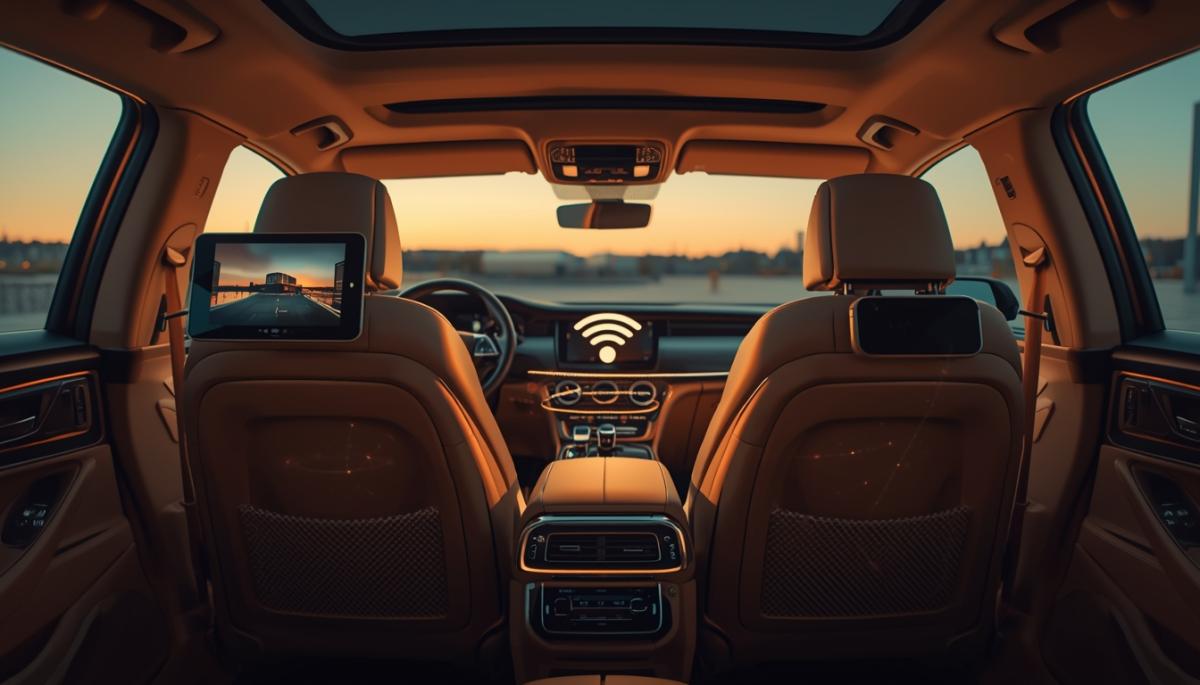
Today, almost all new cars have the option to connect to the internet. Especially for electric and hybrid cars, connectivity is crucial for receiving wireless software updates, online navigation, or monitoring battery status through a mobile app. In modern cars, the connection is usually active from the factory, or you can use your own physical card slot, which makes it easy to create a car Wi-Fi network for other devices.
Internet in the car also has a safety aspect, as online connection allows you to locate the vehicle in case of theft. However, if you're driving a car where these online functions are not activated directly from the manufacturer, you'll need to set up the network yourself. Fortunately, there are several solutions to set up car Wi-Fi yourself, whether you use the hidden potential of your car or external devices.
Why want your own network even in an older car?
Even if your car didn't come off the line with a built-in modem, there are several compelling reasons to add a Wi-Fi network to your car. The main one is undoubtedly peace on board during longer trips. If you're carrying kids, being able to play them cartoons on YouTube or online games on a tablet essentially means the end of constant questions about when you'll arrive.
You'll also appreciate a stable internet connection when you replace the original radio with a modern multimedia system with Android in the car. This system needs data for its full functioning, i.e., up-to-date maps and real-time traffic information.
A private car network also makes sense from a financial perspective. Instead of everyone using up their precious data bundle, you can use a central solution with shared data. If you insert a card with a large data volume into the device, you effectively get unlimited car internet for all passengers. This is especially handy in areas with poor signal, where specialized devices with external antennas maintain the connection much better than an ordinary smartphone.

4 ways to get Wi-Fi directly into the car
Mobile hotspot
Creating a hotspot on a smartphone is the fastest way, and most people have it in their pockets. Just activate internet sharing over Wi-Fi in your mobile settings and set a secure password. The whole crew can then connect with their tablets or phones. However, you need to monitor the battery status, as constant signal transmission and data reception severely drain the smartphone battery and deplete it very quickly.
Advantages
- Zero cost for new hardware acquisition.
- Immediate setup without the need to install anything.
- Ideal solution for occasional use on short routes.
Disadvantages
- Extremely fast battery drain on the phone.
- Risk of overheating the mobile phone when used on the dashboard under the sun for a long time.
- Using the regular data tariff, which can quickly run out while watching videos.
SIM card slot in the car
Many cars, including those older than ten years, have a built-in module for receiving a mobile signal. The physical card slot is most often hidden in the glove compartment, armrest, or in the multimedia system module. If the correct SIM card is inserted, the vehicle becomes a standalone transmitter that serves the whole crew without needing to touch a phone. After initial settings in the onboard system menu, the internet is automatically launched with each engine start.
Advantages
- Maximum aesthetics, with no obstructive cables or additional boxes in the interior.
- Automatic and immediate connection of all paired devices upon starting.
- More stable signal reception due to the use of antennas built into the car body.
Disadvantages
- Older car models may not support the latest and fastest 4G or 5G networks.
- Need to purchase a separate card, ideally a data SIM card for the car.
- Often more complicated and less clear initial setup in the factory menu.
Portable car Wi-Fi router
For cars without their own slot, an independent car Wi-Fi router with a SIM card slot is the ideal choice. These devices have their own battery, so they work independently of the engine, or you can power them directly from the USB port or cigarette lighter. These routers are built for continuous operation and can handle up to tens of connected devices at once, making them ideal for fully occupied family cars on long trips to the sea or mountains.
Advantages
- High connection stability and the ability to connect a large number of tablets or phones.
- Complete mobility, as the router works even after getting out of the car at the campsite or lodge.
- Saves the battery of your primary phone, which doesn't need to transmit a hotspot.
Disadvantages
- Initial investment in the device itself, ranging from hundreds to thousands of crowns.
- Need to remember charging or have another cable connected in the interior.
- The router takes up space in storage compartments or drink holders.
Diagnostic port module (OBD II)
A very elegant and discreet solution is the modules for the OBD II diagnostic socket, which every car manufactured after 1996 has. This small box simply clicks into the port, draws power directly from the car's network, and immediately starts transmitting a Wi-Fi signal in the car. Besides the internet itself, these devices often offer additional smart features like an electronic logbook, vehicle location tracking, or basic engine fault diagnostics via a mobile app.
Advantages
- The most concealed possible installation, the device is mostly completely hidden under the dashboard.
- Continuous power, no worries about charging batteries or cables.
- Bonus features for vehicle management and mileage tracking.
Disadvantages
- The module occupies the diagnostic port, which needs to be freed during every service visit.
- Constant energy draw from the car battery, which can be an issue if the car is parked for a long time.
- Smaller selection of compatible devices on the market compared to regular routers.
Which solution to choose for your travels?
When choosing, it mainly depends on how often you travel. If you go on vacation with your family once a year, a mobile hotspot on your phone will suffice. Just keep a charger handy and monitor your data limit. For occasional use, it's the cheapest way to ensure car Wi-Fi without buying additional electronics.
However, if you spend every day in the car, it pays to invest in a more stable solution. If your car has its own card slot, just insert a data SIM, and there's nothing more to do. Otherwise, opt for an external router or module in the OBD II port. These devices offer a stronger antenna and save your mobile's battery, as they activate automatically and without your intervention when starting up.
Frequently Asked Questions
Will car Wi-Fi work abroad?
Yes, but it depends on your operator's international roaming conditions. Always check the prices for data transfer in your destination before travelling abroad. It is often more economical to buy a local card on site, for which a pre-paid data SIM card for the car is appropriate, to prevent unexpected expenses.
Can the Wi-Fi module drain the car battery?
With solutions via the diagnostic port (OBD II) or routers permanently connected to the cigarette lighter, there is a slight energy draw. If you drive the car regularly, the battery recharges without any problem. However, if you plan to leave the car in the garage for several weeks, it is safer to disconnect these additional devices to prevent the battery from gradually discharging.
How many devices can connect to the car network?
This depends on the chosen technology. While a mobile hotspot in a phone usually handles five to eight devices, a specialized car Wi-Fi router or built-in modules in the car can serve several dozen devices at once. For a typical family crew, any of the mentioned solutions is sufficient.
Is a regular SIM card from a mobile sufficient for car Wi-Fi?
Technically yes, any active SIM card with data will work in a router or slot in the car. However, it is more economical to purchase a so-called data-only card. It is cheaper as it does not include free minutes or SMS, which you wouldn't use in a car anyway.
What would happen if the internet went down for a day?

What if there was a full-day internet outage? An immediate collapse of society wouldn't occur, but daily operations would quickly become complicated because today's world is more dependent on the internet than we often realize. Which services would stop functioning first, and what would happen with payments, transportation, or work?
WPA, WPA2, WPA3: Which Wi-Fi security should you use today?
WPA, WPA2, WPA3, AES or TKIP? Wi-Fi security settings might initially seem unnecessarily complicated. However, when you understand what each abbreviation stands for, it becomes fairly simple. Therefore, we'll explain the differences between them and which is the best choice today. We'll also suggest what settings to choose if you have older devices at home that don't support the latest standard.
Is incognito mode really anonymous? Who still sees what you're doing

Do you think incognito mode hides you from everyone on the internet? In reality, it works a bit differently. We explain what it actually does, when it's sensible to use it, who can still see your activity, and whether history can be traced in incognito mode.
Why Does AI Hallucinate? A Peek Under the Hood of Language Models

AI can answer almost any question in just a few seconds. However, sometimes it confidently states information that is not true. Why does this happen and what are so-called AI hallucinations? In this article, we'll explain how large language models work, why they sometimes create false answers and how developers are gradually trying to mitigate this issue.
What is a CDN and why is internet content copied worldwide

Behind every loaded video, photo, or webpage is a technology called CDN. It is used by streaming services, social networks, and regular websites, yet many people have never heard of it. In this article, we will explain what this abbreviation means, how it works, why internet content is stored in various locations around the world, and why today's internet can hardly do without it.
Who will inherit your photos, emails and accounts? Digital legacy is rarely addressed

When talking about inheritance, most people think of a house, a car or money in the account. Yet we also leave behind thousands of photos, emails, social media accounts or data stored in the cloud. What happens to them after death, and who will gain access to them? This article looks at how digital legacy works, why the bereaved may have problems with data, and how to get organized in your online footprint today.