 ▾
▾Listening to a movie or playlist on multiple headphones has always been difficult. Auracast offers the ability to play the same audio to multiple people without pairing or special accessories. It can be used at home with TV, on trips, and in places with poorly audible announcements. In the article, we will show how this innovation works in practice and when we will start encountering it regularly.
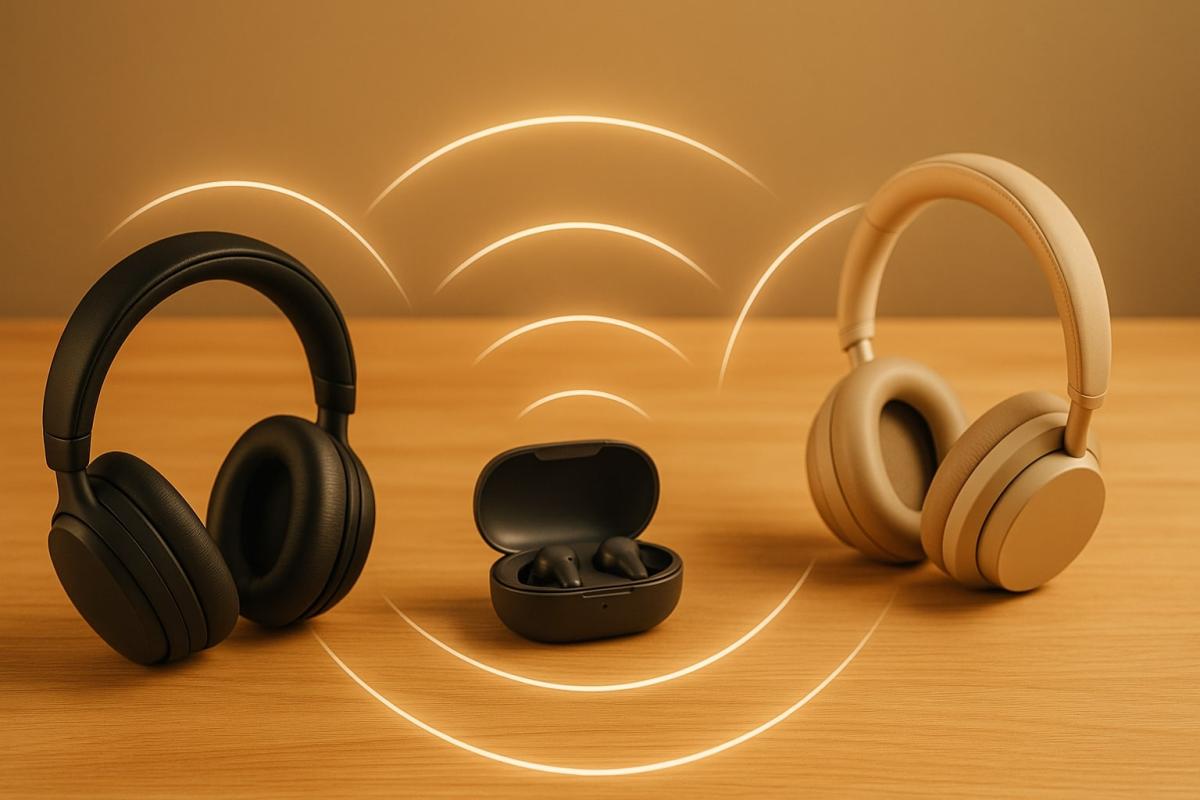
Wireless listening hasn't changed much in recent years. It's still mainly about connecting two devices that maintain a single connection. However, in new models of headphones, phones, and TVs, a feature is emerging that handles audio differently than what we're used to with Bluetooth. It is called Auracast and is based on the latest Bluetooth LE Audio standard.
It is not everywhere yet, but its arrival suggests that wireless sound will start being used in a new way. In the following parts of the article, we'll look at what this approach means in practice.
Listening that more people can share at once
Bluetooth was long designed mainly for connecting two devices. One phone and one headset. One laptop and one speaker. But if two people wanted to listen simultaneously, it usually meant reaching for accessories not commonly included, often working only with a limited number of models.
In recent years, an approach has started to appear that works with sound differently than through traditional pairing. Auracast can create a sound broadcast that various compatible devices in the vicinity can tune into. The source just starts its transmission, and individual devices connect without needing to create separate connections.
This simplifies situations that previously required complex procedures or were not possible at all. Two people can watch the same movie, each at their own volume, multiple devices can connect to one TV, and where ordinary speakers are insufficient, it's possible to achieve clearer and more personalized listening.
What happens in the background when you connect to a broadcast
When there's an active broadcast available via Auracast, devices supporting this technology can regularly search for it. It's not about finding a specific partner as with traditional Bluetooth, but about displaying all available broadcasts within reach.
Devices that can receive Auracast display these broadcasts as a list. If multiple transfers are active, the user selects the one they want to listen to. In some cases, the device itself handles this directly; other times, a phone app helps find the available broadcasts and ensures the connection.
After selecting a broadcast, the device begins receiving audio encoded using LC3. This codec is part of Bluetooth LE Audio, allowing for low power consumption, stable quality, and minimal latency, which is crucial during video watching or when using a single earbud and remaining aware of the surrounding sounds.
The entire process runs automatically in the background. The user simply selects a broadcast and the device takes care of the connection itself. Listening can begin within seconds, without setting up connections between individual devices.
How Auracast can make life easier
There are numerous practical scenarios where Auracast makes sense. Below are the most significant ones likely to appear most frequently. In the real world, however, the utilization of this technology can develop in various directions, with no limits to imagination.
Better sound for TVs when you don’t want to disturb others
In the evening with a movie, you don’t have to worry about waking someone or having the volume too low. Headphones connect to one broadcast, and everyone sets their sound level according to themselves, without restrictions from the surroundings.
Clearer announcements in noisy areas
In a hall, at a train station, or at a departures gate, only part of the announcement may be audible. If a place offers broadcasting in Auracast, just connect and have the information right in your ears, free from disturbing surrounding noises.
Multiple language versions during lectures and conferences
Translation no longer means borrowing special headphones. When an organizer provides multiple languages via Auracast, simply choose the correct broadcast and listen in your own headphones.
Convenient listening on the go and in transport
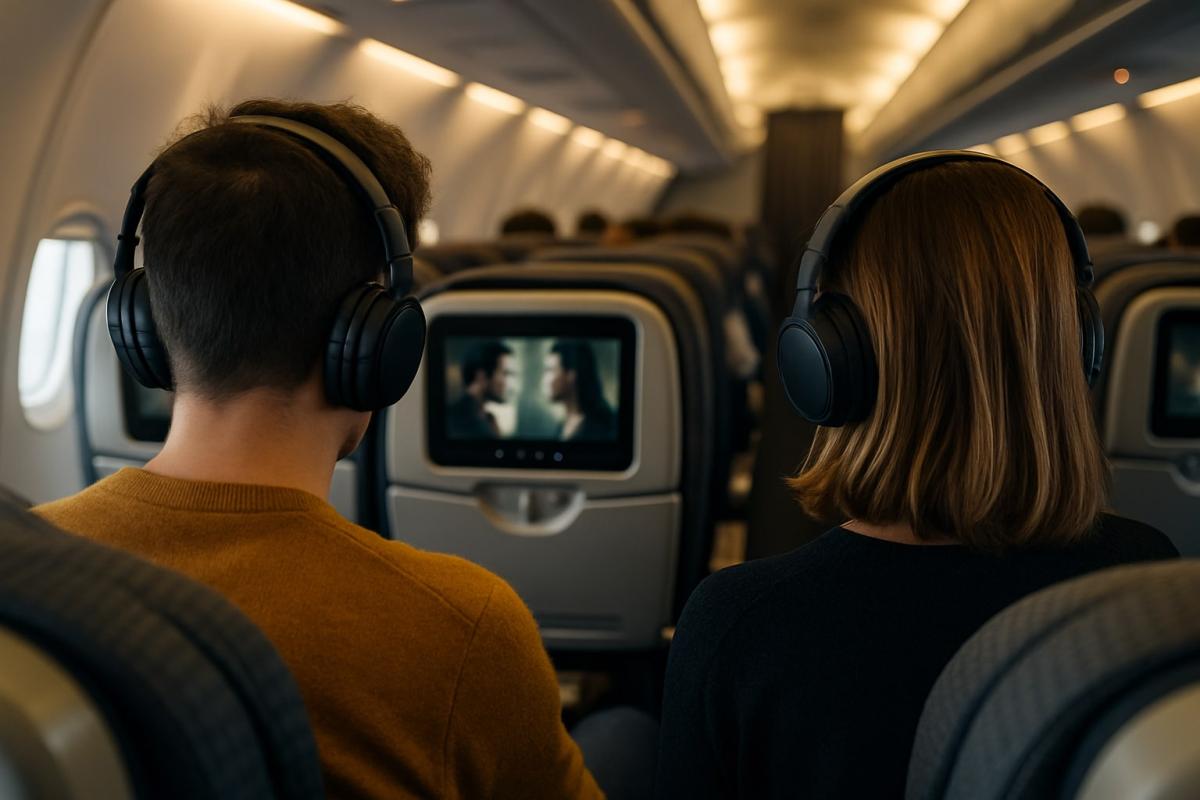
In buses, trains, or planes, there are screens playing movies or informational videos, but it's not always easy to connect to them. If the transport provider offers broadcasting via Auracast, simply choose the correct broadcast and play the sound directly to your own headphones.
Clearer listening for people with hearing aids
In combination with modern hearing aids or assistive devices, Auracast can offer clearer sound than room speakers. This is useful in churches, at cultural events, and in waiting rooms.
What devices you need for Auracast to work
Auracast isn't just a menu function. To start a transmission and allow headphones to tune in, it must be supported by the device itself, which must also work with Bluetooth LE Audio technology. The good news is that models capable of this are already appearing, and the selection will quickly expand.
Transmission can be ensured by a phone, laptop, smart TV, or a small USB transmitter connected to a computer. Some modern products have the capability to broadcast directly in accessories, such as charging cases for earbuds that can take sound from a device and pass it on.
Reception can be handled by regular wireless headphones and earbuds, as well as speakers, soundbars, or various assistive tools for the hearing impaired. If the headphones themselves can't find available broadcasts, a phone or smartwatch can do this on their behalf, finding the transmission and conveying the needed information to the headphones.
Auracast support is gradually appearing in Samsung phones and also in new headphone models from brands like JBL, Earfun, and Sennheiser. There are already the first external transmitters for computers or devices that don't yet have this technology integrated.
It's important to remember one thing. The Bluetooth LE Audio label doesn't mean a product supports Auracast. Manufacturers may partially implement it, so it's always necessary to look directly for information on Auracast support. For older models, it usually won't be possible to add through a retrospective update.
Where Auracast will go next
Auracast is initially found in only a few device types, but its full potential will be realized when it becomes a common part of systems that currently must deal with shared audio more complicatedly than necessary.
A major change is expected primarily for systems that have previously needed their transmitters or specialized equipment. Auracast can gradually replace older infra or FM solutions and offer a unified way to deliver sound to more people without additional equipment.
Development will also head towards broadcasts divided according to individual listeners' needs. The same source can offer several separate sounds simultaneously, opening up new forms of home listening and public installations.
The question remains about handling protected content. Technically, Auracast can broadcast any sound, but it depends on how individual music and film services approach it. Only practice will show whether they will restrict broadcast or begin considering it actively.
Even though Auracast is just starting, its direction is clear. If it spreads across device categories, it will become a natural part of situations where people share the same content but want to listen to it individually.
How zero trust works: why mere connectivity no longer means safety
Connecting to the internet today is not just a matter of speed but also of trust. Networks handle more and more devices, sensitive data, and services that communicate almost constantly. This is why an approach called zero trust has emerged, where nothing is automatically considered safe. The article explains why this model was created and how it subtly influences everyday internet functioning.
10 reasons why your phone is drained sooner than expected
It happens that the battery life decreases faster than one would expect, even when the device is not particularly stressed during the day. Often, it's not a single specific error but a sum of small influences that gradually accumulate. This article explains what has the greatest impact on battery life, when idle draining occurs, and why this can turn into an issue causing the phone not to last even one day.
Wi-Fi on a plane? Yes, but it works differently than at home
Connecting to the internet during a flight is no longer an exception, but it still doesn't work as you're used to at home. In-flight Wi-Fi depends on the technology used, the type of aircraft, and network congestion, and paying for access doesn't always mean fast connection. In this article, we'll explain how in-flight internet works, why it can be slow, and when you can rely on it.
RCS messages: what they are, how they work, and when it's better to turn them off
RCS chat is appearing more frequently in mobile devices, especially with the arrival of iOS 18 and the gradual phasing out of older networks. It is a method of communication that uses the internet, offering higher quality sharing of photos and videos than traditional SMS. We'll explain what RCS means and when it makes sense to keep it enabled.
12 steps to prepare a child for their first phone
A first mobile phone can make a child's communication and daily orientation easier, but it also opens topics that are good to address in advance. These include safety, sharing, communication, or screen time. How to prepare a child for their first phone so that they use it safely, calmly, and wisely?
Autonomous vehicles around the world: How close are we to regular driverless operation?

Cities around the world are seeing an increase in autonomous vehicles as part of their transportation systems. However, their reliability varies significantly by region. We will explore where this technology is already commonly transporting passengers and what autonomous driving means in practice today.