 ▾
▾Connecting to the internet during a flight is no longer an exception, but it still doesn't work as you're used to at home. In-flight Wi-Fi depends on the technology used, the type of aircraft, and network congestion, and paying for access doesn't always mean fast connection. In this article, we'll explain how in-flight internet works, why it can be slow, and when you can rely on it.
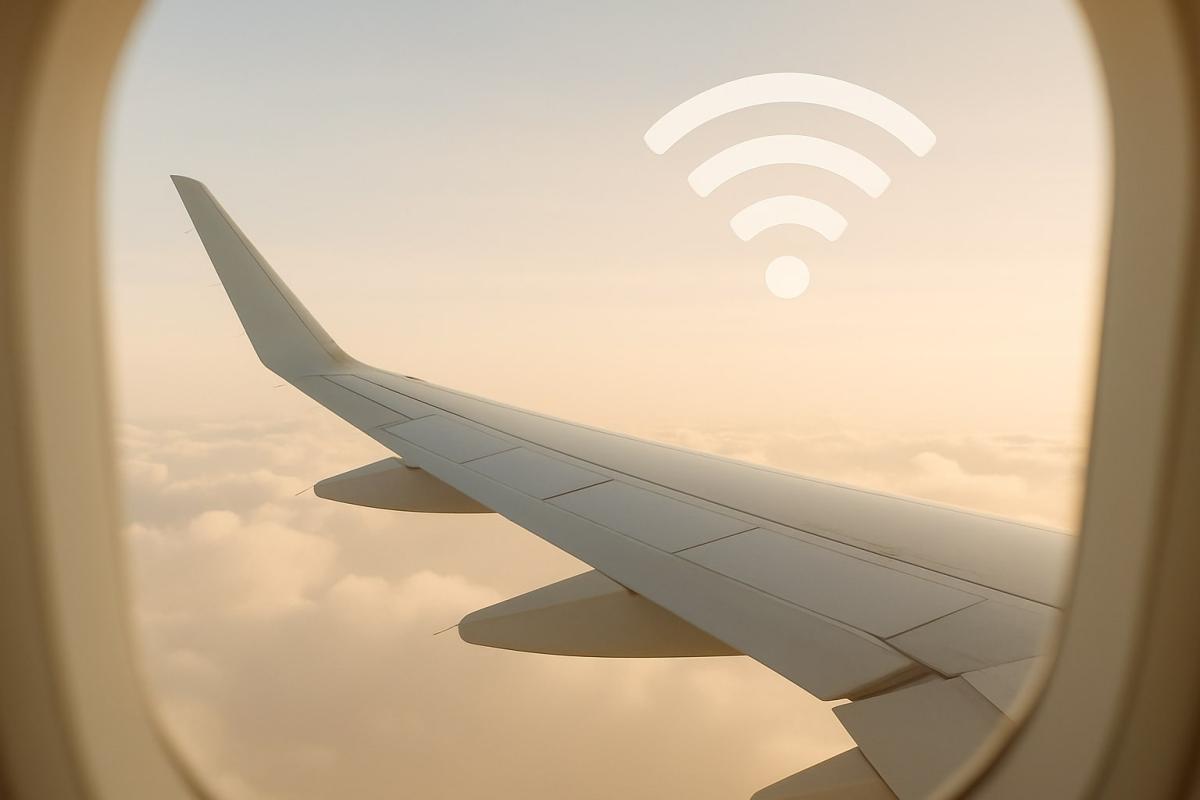
Connecting to the internet during a flight is becoming increasingly important to people, whether for work, communication with loved ones, or simply to pass the time. Passenger experiences, however, vary significantly, and the reality often does not match expectations.
Is there Wi-Fi on a plane? In most cases, yes. However, availability is only part of the story. What's important is how the aircraft connects to the internet, why the connection might be slow even after payment, and the role of aircraft type or seating location.
In this article, we will explore how in-flight connection works, when it makes sense to pay for it, and when it's better not to rely too much on it. The aim is to give you a realistic picture of what to expect from in-flight internet and the limitations involved.
How Wi-Fi works on a plane
When you connect to the internet during a flight, it's not about any 'onboard network' that works on its own. In-flight Wi-Fi is always just a mediator between your device and the actual connection, which the aircraft obtains from outside. The crucial factor is how the airplane accesses the internet. In practice, there are two main technologies, each behaving differently.
Connection via ground transmitters (Air-to-Ground)
With this solution, the aircraft connects to ground transmitters similarly to a mobile phone, just with a much more powerful antenna. The connection is handed over between ground transmitters according to the flight path. This method is mainly used on shorter and domestic flights where coverage is sufficient.
The downside is limited capacity and higher latency. In-flight internet based on this technology is usually sufficient for chatting, emails, or basic web browsing. Streaming or working with larger data is often problematic, even if you have paid for the connection.
Internet via satellites
The alternative is satellite connection, where the aircraft communicates directly with an orbiting satellite. The signal travels from the plane to space and back to earth, where it connects to regular internet infrastructure. This is a more technologically demanding but generally more efficient solution.
Satellite Wi-Fi on a plane offers higher speeds and broader usage possibilities, often including regular work or streaming. However, capacity is shared among passengers, and speed can fluctuate in a full plane. The difference compared to ground transmitter connections is noticeable in practice.
Why Wi-Fi on a plane often doesn't work well
One of the main reasons is limited connection capacity, which is shared by all passengers on board. Once more passengers connect, speed starts to drop, and response times worsen. The connection then appears slow even during regular activities.
Performance also varies during the flight. Shortly after takeoff, the connection is usable because few people are online. Gradually, more devices connect, and the in-flight internet begins to slow down, sometimes to the edge of usability.
Some limitations may be intentional. Some airlines block more demanding services, such as video streaming or downloading larger files. Even paid access often serves only basic communication and simple tasks, not seamless work.
The airplane's movement itself also plays a role. Constant changes in location, altitude, and route can cause fluctuations in connection quality or brief outages. These manifest as page reloads or disconnects.
As a result, in-flight Wi-Fi tends to be a compromise rather than a full-fledged connection. Sometimes it serves for messages or quick email checks, but other times it doesn't work reliably even in such a limited mode.
Does it matter where you sit?
Yes, seat location can have an impact on connection quality, though differences are usually not significant on their own. They become more pronounced when the network is busier, and more passengers are connecting.
Antennas providing internet connection are mounted on the top part of the aircraft fuselage. The signal spreads unevenly throughout the cabin, and the airplane's construction can partially dampen it. For this reason, the connection is typically most stable in the middle of the cabin, usually near the wings.
On the other hand, at the very front or back, in-flight Wi-Fi can fluctuate more significantly, especially with higher network load.
Aircraft type and its influence on connection quality
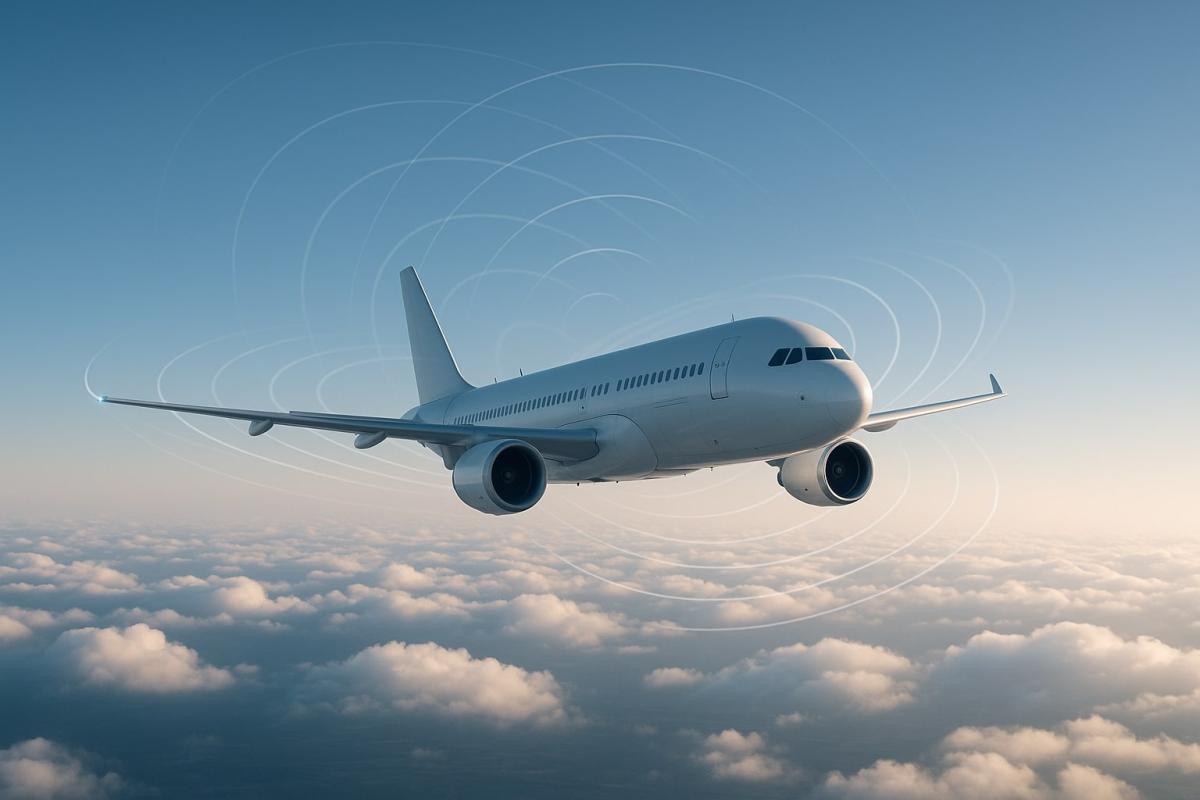
Not every plane is equipped for the internet in the same way, and some types might not offer connection at all. The difference is not only between airlines but also among specific aircraft models.
On shorter and medium-haul flights, you'll often encounter aircraft like Airbus A320 or Boeing 737. These usually have the most limited or non-existent internet access, or serve only basic use.
For long-haul flights, modern airplanes such as Boeing 787 Dreamliner or Airbus A350 are used. These are typically equipped with satellite connection offering higher capacity, making the connection more stable and usable even for demanding tasks.
Boeing 777 aircraft, also used on long routes, are another chapter. Connection is available, but its quality can vary significantly based on flight occupancy and the number of connected passengers.
Thus, what's decisive isn't only the airline name but the specific aircraft on that route. Two flights with the same company can offer very different experiences if serviced by different types.
How much does in-flight internet cost and what do you get?
Connection costs during the flight differ based on the airline, flight duration, and chosen plan. In-flight internet usually requires an additional payment, ranging from a few to several tens of euros or dollars.
Instead of a singular 'full internet' offering, airlines typically provide several access levels. Basic options mainly suit messaging and chat. More expensive packages allow for standard web browsing or email work, but more demanding services might remain restricted.
It's crucial to understand that payment doesn't guarantee quality. In-flight Wi-Fi provides network access, but speed and stability can vary greatly during the flight. For general use, it often suffices, but it serves as a substitute for full-fledged connection only to a limited extent.
Why don't mobile data work during flights?
Mobile data are designed for ground use, where phones connect to nearby transmitters. Stable connection isn't feasible at altitude and high speed, which is why they don't work in-flight.
Because of this, airplane mode is used, which disables the mobile network. However, Wi-Fi can remain enabled, allowing devices to connect to the airplane's onboard network, not ground transmitters.
If you want to stay online during the flight, mobile data won't help. Onboard Wi-Fi is the only option, with all its accompanying limitations.
Is in-flight Wi-Fi safe?
Onboard Wi-Fi functions similarly to public networks in cafes or hotels. It isn't inherently unsafe but isn't fully secure either. The connection is typically shared among multiple passengers, and data may not be encrypted.
Therefore, it's not advisable to handle sensitive tasks over in-flight Wi-Fi, such as online banking or logging into important accounts. It's suitable for regular web browsing or messaging.
To minimize risk, a VPN can help encrypt the traffic. However, even that doesn't guarantee complete security. The basic rule is simple: exercise the same caution as you would on any other public Wi-Fi.
The plane isn't an office
The opportunity to be online during a flight might tempt you to treat it as another work block. However, reality often shows that neither the environment nor the connection is built for focused work. Short messages or quick email checks might make sense, but everything else is often a struggle with conditions.
For many flights, it's more practical to expect that the internet will serve only to a limited extent, or not at all. Sometimes it's more effective to leave work for after landing and treat the flight as a natural break that a typical day doesn't offer.
Whether you decide to connect or not, it's worth remembering that being offline for a few hours isn't an issue. Sometimes, simply folding down the tray table, looking out the window, and using the flight for relaxation instead of another attempt to stay constantly online is all that's needed.
digital carbon footprint: how the internet and online services burden the planet

Everyday online activities have a real energy footprint that quickly multiplies in total. In the article, we will look at what digital carbon footprint means, how much energy regular internet use costs, and which activities burden the environment the most. Areas where consumption is growing the fastest and impact is not immediately visible deserve special attention.
Is blue light really a problem? The answer isn't so simple

The topic of blue light has led to many simplifications and unnecessary fears. Blue light exposure before sleep is often discussed, but its impact is not limited to just sleep. Let's put things in context, separate facts from myths, and see when it makes sense to address its effects and when it is more about excessive concern.
Are you chatting with a human or a bot? How to identify AI in chat

Online chats are often handled by artificial intelligence today, and at first glance, the responses appear to be from a real person. This is especially true for customer support, where speed and fluency are key. We'll look at how to identify AI in chat, what signs you can use to distinguish it from a human, and where the line of recognition becomes very thin.
What is ransomware and why does it no longer threaten only large companies?

Ransomware attacks are among the most common cyber threats today and are no longer just a concern for large companies. Just one careless click can cost you access to your data. We'll explain what ransomware is, how it works, and why attackers are increasingly targeting average users and smaller businesses.
How zero trust works: why mere connectivity no longer means safety

Connecting to the internet today is not just a matter of speed but also of trust. Networks handle more and more devices, sensitive data, and services that communicate almost constantly. This is why an approach called zero trust has emerged, where nothing is automatically considered safe. The article explains why this model was created and how it subtly influences everyday internet functioning.
10 reasons why your phone is drained sooner than expected

It happens that the battery life decreases faster than one would expect, even when the device is not particularly stressed during the day. Often, it's not a single specific error but a sum of small influences that gradually accumulate. This article explains what has the greatest impact on battery life, when idle draining occurs, and why this can turn into an issue causing the phone not to last even one day.