 ▾
▾WPA, WPA2, WPA3, AES or TKIP? Wi-Fi security settings might initially seem unnecessarily complicated. However, when you understand what each abbreviation stands for, it becomes fairly simple. Therefore, we'll explain the differences between them and which is the best choice today. We'll also suggest what settings to choose if you have older devices at home that don't support the latest standard.
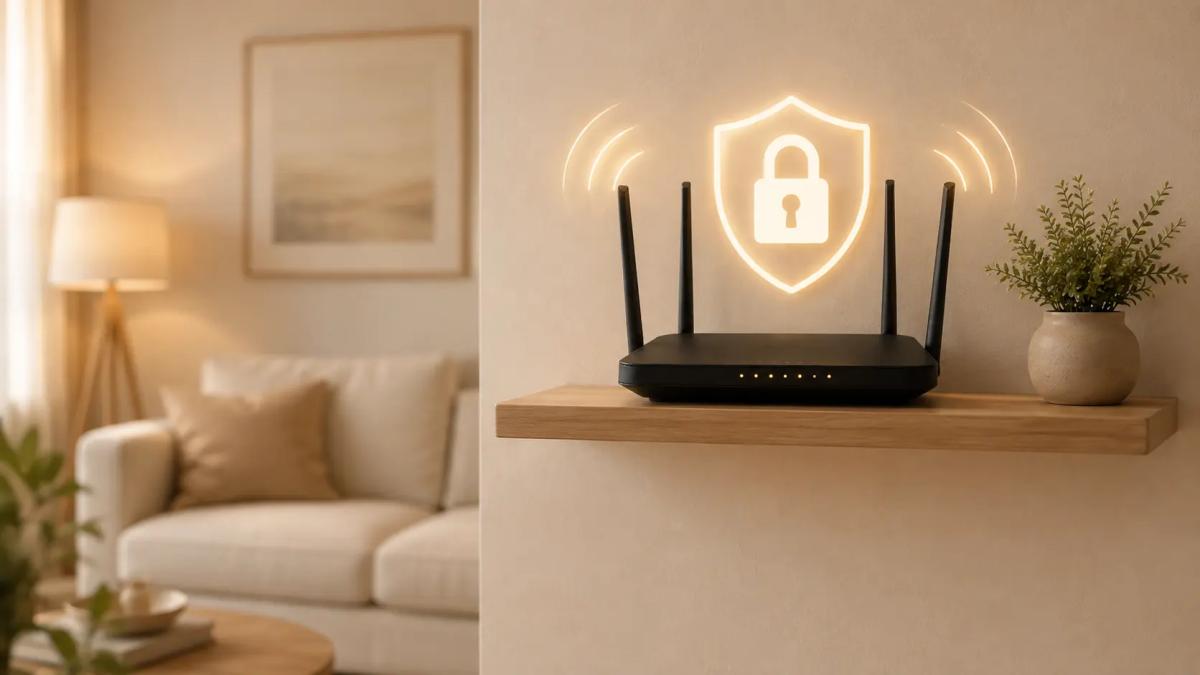
Wi-Fi settings appear simple until you tackle them on your own. Once you open the interface and see the available options, you may feel as if you need a short course in cybersecurity. You have to study what abbreviations like WPA2, WPA3, AES, or TKIP mean, while you essentially just want to ensure no unauthorized individuals connect to your home Wi-Fi.
The good news is that you don't need to know most of these options in detail. It's enough to understand what each generation of security means and which of them now belongs more to technological history.
What do the abbreviations WPA, WPA2, and WPA3 stand for?
The abbreviation WPA stands for the English phrase “Wi-Fi Protected Access.” It practically designates the way in which a Wi-Fi network safeguards communication between the router and connected devices.
For instance, when a phone connects to a home network, the security protocol verifies whether it has the correct access credentials. It simultaneously encrypts the communication, so a potential attacker within the network's range cannot easily read or capture the transmitted data in a usable form. It is not just about the Wi-Fi password but about the standard that determines how the router verifies connected devices and safeguards the data traveling between them.
This is where the individual generations differ. WPA was created in 2003 as a quick replacement for the older WEP protocol (Wired Equivalent Privacy), which had serious security vulnerabilities. Already a year later, it was replaced by WPA2, offering significantly better protection and became the common standard for home Wi-Fi networks for a long period.
The latest protocol, WPA3, was introduced by the Wi-Fi Alliance in 2018. It builds upon WPA2 but adds a more modern authentication method and enhances protection against some types of attacks. For example, it significantly complicates bulk password guessing based on intercepted communication and ensures better protection of certain management messages between the router and the connected device.
How is WPA3 better than WPA2?
WPA2 is still secure when properly configured, but its weaker aspect lies mainly in the way it authenticates using a password. If an attacker manages to capture the necessary data when a device connects to Wi-Fi, it could subsequently try a large number of potential passwords without having to communicate with the router each time.
WPA3 addresses this issue with the more modern SAE mechanism (Simultaneous Authentication of Equals). It's designed so that merely capturing the communication isn't enough for an attacker to perform unlimited password testing. Additionally, compared to WPA2, it provides other benefits:
- Mandatory protection of certain management messages. WPA3 requires Protected Management Frames (PMF), which better protect communication concerning, for example, device connections or disconnections.
- Removal of outdated security options. WPA3 no longer relies on older mechanisms like TKIP and requires a more modern security foundation.
- Preparedness for more modern Wi-Fi networks. WPA3 was developed with modern security demands in mind, not allowing certain compromises for compatibility. This is why it's mandatory for 6GHz Wi-Fi (like Wi-Fi 6E).
However, this doesn't mean that with WPA3, you can neglect a strong password or router updates. Even more modern standards aren't immune to implementation flaws, so basic security measures and current firmware remain as crucial as the security protocol itself.
You may also encounter a mixed WPA2/WPA3 mode, sometimes referred to as mixed or transition mode. This allows newer devices to connect via WPA3, while older ones can continue using WPA2. It's a practical solution for transitioning to a newer standard, but it's better perceived as an interim solution rather than a long-term setup. If all your devices support WPA3, it's always preferable to switch entirely to WPA3.
What do abbreviations like AES or TKIP stand for?
Apart from the protocol itself, you might also encounter abbreviations such as AES and TKIP in router settings, which denote the method of data encryption transmitted over Wi-Fi.
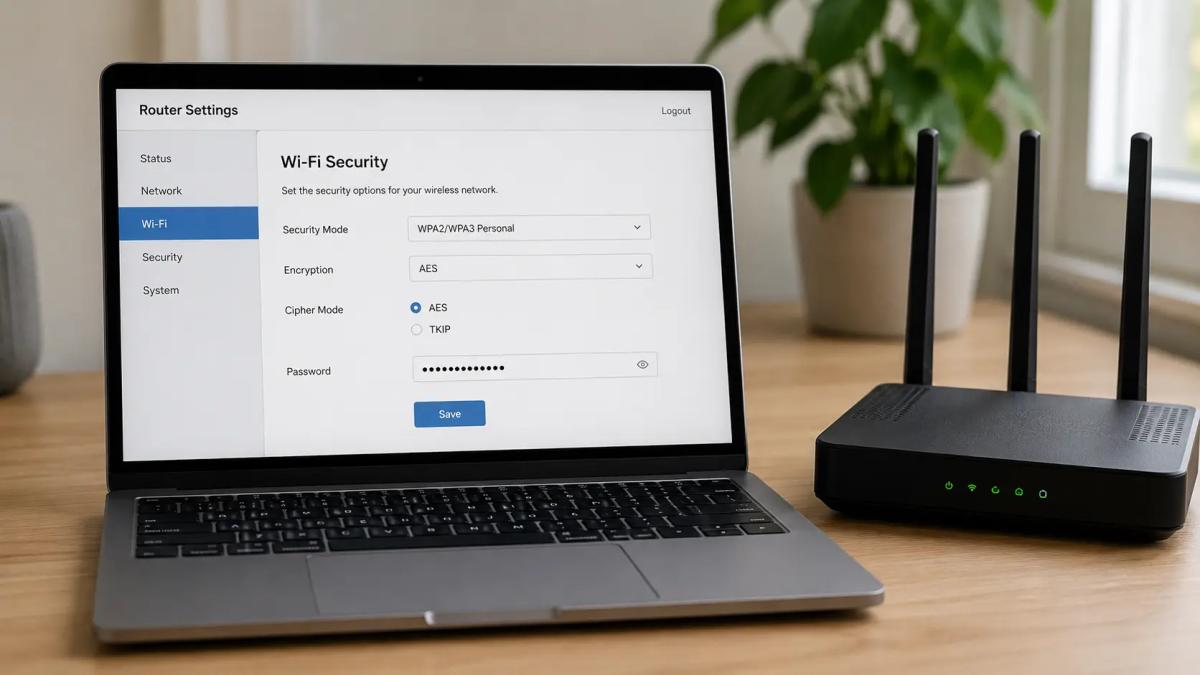
TKIP is an older solution developed primarily as a temporary way to increase the security of then-current devices without having to completely change the hardware. Today, however, its protection is inadequate and it may also limit Wi-Fi speed in some devices.
AES, on the other hand, is a more modern and significantly secure encryption method. It is commonly used in the form known as CCMP with WPA2, and is one of the reasons why a properly set WPA2 can still be secure today.
Which Wi-Fi security settings should you choose?
For a typical household, WPA3 is the best choice today if the router and all connected devices support it. With older equipment, compatibility might be an issue. In such cases, it's sensible to keep the main network on WPA3 and connect older devices to a separate network secured with WPA2 + AES/CCMP. If the router doesn't offer this option, the mixed WPA2/WPA3 mode can serve as a temporary solution.
In contrast, WEP, the original WPA, or TKIP no longer belong in modern home networks. If your router only offers these options, it is certainly worth considering replacing it.
The security protocol itself is not everything. It's also important to have a sufficiently long and unique password, regularly updated firmware, and to change the default administrative password for logging into the router's settings.
Frequently Asked Questions
Is WPA2 still secure?
Yes. If you use WPA2 in combination with AES/CCMP, have a strong password, and an updated router, it is still a secure option. However, WPA3 is the recommended choice for newer devices.
Is WPA3 always better than WPA2?
In terms of security, yes. It offers a modern authentication method and better protection against some types of attacks. However, in practice, it still depends on the quality of the password, updates, and correct router settings.
What does WPA2/WPA3 mode mean?
It is a mixed mode that allows newer devices to use WPA3 and older ones to use WPA2. It's primarily useful as an interim solution if you have devices at home that support different standards.
What should I set if my devices don't support WPA3?
In that case, use WPA2 with AES/CCMP. If the router allows it, it is even better to keep the main network on WPA3 and connect older devices to a separate WPA2 network.
Phone instead of a card or key. What is NFC and how does it work?

Just hold your phone up to a terminal and within moments the payment is made. However, NFC technology is capable of much more. We will explain what NFC is and how it works, what actually happens during NFC mobile payments, what else you can use it for, and how secure it is. We will also show what NFC tags are and how they can simplify some daily tasks.
What would happen if the internet went down for a day?

What if there was a full-day internet outage? An immediate collapse of society wouldn't occur, but daily operations would quickly become complicated because today's world is more dependent on the internet than we often realize. Which services would stop functioning first, and what would happen with payments, transportation, or work?
Is incognito mode really anonymous? Who still sees what you're doing

Do you think incognito mode hides you from everyone on the internet? In reality, it works a bit differently. We explain what it actually does, when it's sensible to use it, who can still see your activity, and whether history can be traced in incognito mode.
Why Does AI Hallucinate? A Peek Under the Hood of Language Models

AI can answer almost any question in just a few seconds. However, sometimes it confidently states information that is not true. Why does this happen and what are so-called AI hallucinations? In this article, we'll explain how large language models work, why they sometimes create false answers and how developers are gradually trying to mitigate this issue.
What is a CDN and why is internet content copied worldwide
Behind every loaded video, photo, or webpage is a technology called CDN. It is used by streaming services, social networks, and regular websites, yet many people have never heard of it. In this article, we will explain what this abbreviation means, how it works, why internet content is stored in various locations around the world, and why today's internet can hardly do without it.
Who will inherit your photos, emails and accounts? Digital legacy is rarely addressed

When talking about inheritance, most people think of a house, a car or money in the account. Yet we also leave behind thousands of photos, emails, social media accounts or data stored in the cloud. What happens to them after death, and who will gain access to them? This article looks at how digital legacy works, why the bereaved may have problems with data, and how to get organized in your online footprint today.