 ▾
▾Do you think incognito mode hides you from everyone on the internet? In reality, it works a bit differently. We explain what it actually does, when it's sensible to use it, who can still see your activity, and whether history can be traced in incognito mode.
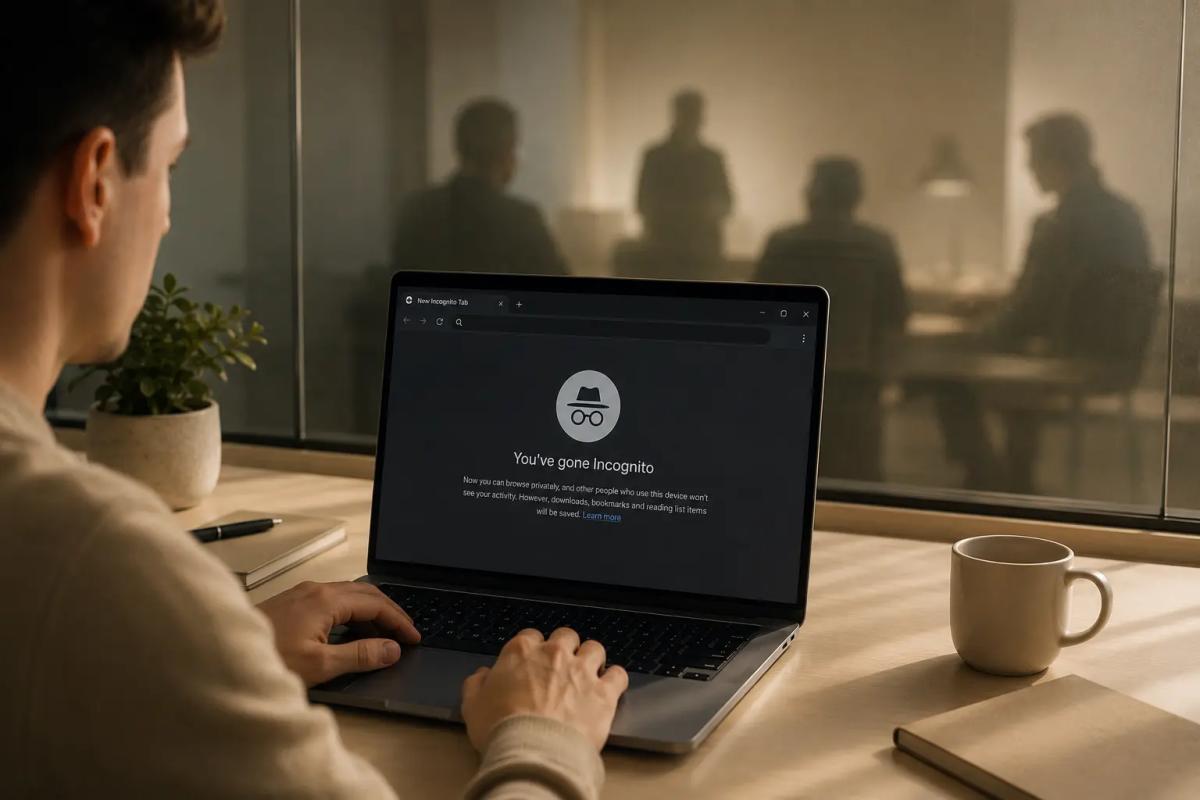
Incognito mode is one of the most well-known tools for privacy protection on the internet. Many people activate it with the idea of complete invisibility, although in this setting the browser only addresses local traces directly on the device.
This discrepancy between user expectations and real functionality resulted in a class-action lawsuit against Google in 2020 amounting to 5 billion dollars. The plaintiffs claimed that the company did not clearly explain data collection during private browsing. Browsers, therefore, began to gradually adjust their introductory screens to describe the boundaries of privacy more accurately and comprehensibly.
What incognito mode actually does
The main task of the incognito window is to sweep away traces of your surfing on the specific device you are currently holding. It behaves simply as if you were running that browser for the first time on a completely new computer. Once you close all private windows, the browser immediately deletes:
- Browsing and search history. The addresses of visited pages or queries entered in search engines or the address bar are not saved. If someone else sits down at the computer after you, they will not see anything from the history.
- Cookies and site data. As long as you have the private window open, cookies continue to be saved so you can log in and use sites normally. But they are deleted the moment the window is closed and you are logged out of all accounts.
- Data entered into forms. Login names, passwords, emails, or addresses are not saved for the next autofill.
- Temporary files and cache. The browser removes temporary data created during browsing after the end of the incognito session to speed up loading web pages.
- Granted permissions. If you grant access to the microphone or camera to a website during a private session, this permission immediately expires after closing the window.
Many people on the internet wonder how to retrieve history in incognito mode after they have closed the window. The truth is that once you end the session, the browser deletes this local data and you cannot retrieve it from the device history.
But beware of exceptions! Any files you download during private browsing will normally remain on the computer. If you do not want to share them with other users of the same device, you must delete them manually.
Who can still see your activity?
While your browser diligently deletes everything after closing the window, the data connection itself runs completely normally. Incognito mode does not encrypt your data stream, does not hide your IP address, and does not create any barrier against external monitoring. So who can still see your steps?
Visited websites
The server you access obtains basic network information, including your IP address, which reveals your approximate location. And once you log into your account on that page (for example, on Facebook, email, or an e-shop), the operator knows exactly who it is and can link the entire activity to your profile.
Internet provider
The internet service provider (ISP) records network traffic from your router. They know the target domains you connect to, the transmission time, and the data volume. The local incognito window in the browser does not affect this network monitoring.
Employer or school
If you are surfing on a company or school network, all data flows through servers, proxies, and DNS stations managed by the organization. The IT administrator can monitor your activity in real-time regardless of which window you have open. The incognito tab will not protect you from monitoring software installed directly on the work laptop.
Advertising and tracking systems
Advertising networks rely on advanced analytics. If your browser does not have tracker blocking enabled, advertising systems can recognize you even without traditional cookies. They use techniques such as browser fingerprinting, assembling information about your screen resolution, fonts, operating system, and hardware.
When does incognito mode make sense
Despite these limitations, incognito mode is a useful tool in everyday life. It is most beneficial in the following situations:
Surfing on a shared or public computer
Whether you are sitting at a PC in the library or sharing a family laptop, the private window ensures that you do not leave behind passwords, history, or saved cookies.
Viewing sensitive content
For many people, the incognito window is a way to view adult content or handle personal health queries. In both cases, the mode fulfills its purpose. The visited sites will not be stored in your history, won’t be offered by autocomplete, and will not leave traces in local cookies on the shared computer.
Shopping for gifts
When looking for a surprise for someone in the family, you avoid conspicuous hints appearing in history or targeted ads on the shared computer.
Using two different accounts simultaneously
If you need to have two different emails from the same service open at once (perhaps personal and work), you can log into the second account in a private window without logging out of the first.
Testing new extensions and websites
If a developer or site manager needs to see the page in a clean state without the loaded cache or saved login, the incognito window is the fastest way.
Bypassing article limits
Some news sites use cookies to count free articles read per month. In incognito mode, this counter is usually reset.

How to better protect your privacy online
If you are serious about privacy protection and want to hide your activities from providers or tracking systems, a simple incognito tab is not enough. It requires combining several tools:
- Use encrypted connections through a VPN. A Virtual Private Network (VPN) fully encrypts all data from your device and replaces your real IP address with the address of its own server. The internet provider or local network administrator will not see which websites you visit, and the visited sites will only see the IP address of the VPN server.
- Try privacy-focused browsers. Browsers like Brave or Vivaldi have integrated ad and tracking script blockers already built-in, which help reduce the amount of data that websites collect about you.
- Add useful extensions. If you are fond of classics like Firefox or Chrome, equip them with add-ons for tracker blocking, such as uBlock Origin or Privacy Badger.
- Keep an eye out for malicious code. No incognito mode in the world will protect you from viruses or spyware, such as keyloggers, which covertly record every keystroke on a computer. The essential elements remain an updated system and reliable antivirus.
New security technologies in browsers
Privacy protection today is not limited to cleaning memory after closing a window. Browser developers are gradually introducing technologies that aim to make tracking more difficult during normal surfing.
An example is the upcoming system IP address masking (such as the IP Protection feature in Chrome) or native blocking of unique device fingerprints. You will also increasingly encounter automatic encryption of DNS queries (so-called DNS over HTTPS). This feature prevents anyone on the local network from seeing which web domains your browser is currently attempting to load.
Incognito mode works great as a quick broom for sweeping traces in the computer. However, if you don't want anyone peeking over your shoulder on the network, you need to use a VPN and be cautious online. True online privacy does not rely on a single button in the menu but rather on smart habits.
Frequently Asked Questions
How to check history in incognito mode?
If you've already closed the incognito window, a regular browser does not display the history of that session. This is one of the main functions of incognito mode. However, if your activity was tracked during browsing, for example at a corporate network level or by an internet provider, some information might be recorded outside the browser itself.
Who can see my activity in incognito mode?
Incognito mode only protects privacy on the device you're using. Your activity can still be recorded by visited websites, your internet provider, or the administrator of a corporate or school network.
Does incognito mode hide the IP address?
No. Incognito mode does not hide your IP address or encrypt internet communication. If you want to better protect your IP address, it's advisable to use, for example, a VPN.
Does incognito mode delete downloaded files?
No. Files downloaded to your computer during incognito browsing remain saved just like during normal browser usage. If you don't want to keep them on your device, you need to remove them manually.
When is it worth using incognito mode?
Incognito mode is especially appreciated on shared or public computers, when logging into a second account, or when searching in a way that you don't want to leave a browsing history. However, it's not a tool that ensures complete anonymity on the internet.
WPA, WPA2, WPA3: Which Wi-Fi security should you use today?

WPA, WPA2, WPA3, AES or TKIP? Wi-Fi security settings might initially seem unnecessarily complicated. However, when you understand what each abbreviation stands for, it becomes fairly simple. Therefore, we'll explain the differences between them and which is the best choice today. We'll also suggest what settings to choose if you have older devices at home that don't support the latest standard.
Why Does AI Hallucinate? A Peek Under the Hood of Language Models

AI can answer almost any question in just a few seconds. However, sometimes it confidently states information that is not true. Why does this happen and what are so-called AI hallucinations? In this article, we'll explain how large language models work, why they sometimes create false answers and how developers are gradually trying to mitigate this issue.
What is a CDN and why is internet content copied worldwide

Behind every loaded video, photo, or webpage is a technology called CDN. It is used by streaming services, social networks, and regular websites, yet many people have never heard of it. In this article, we will explain what this abbreviation means, how it works, why internet content is stored in various locations around the world, and why today's internet can hardly do without it.
Who will inherit your photos, emails and accounts? Digital legacy is rarely addressed

When talking about inheritance, most people think of a house, a car or money in the account. Yet we also leave behind thousands of photos, emails, social media accounts or data stored in the cloud. What happens to them after death, and who will gain access to them? This article looks at how digital legacy works, why the bereaved may have problems with data, and how to get organized in your online footprint today.
Where does the internet really flow? Hair-thin fibers connecting continents

The idea that the internet flows mainly through the air is a myth. The entire technological world relies on heavy hardware buried in the sand of the seas. In the article, we will examine the technology of submarine cables. You will learn how optical fibers work, what laying them from ships entails, and how the depths of the oceans have become a geopolitical battlefield.
Why Subscription Fatigue Troubles Us and How to Stop Money Disappearing in 4 Steps

How much money leaves your account each month for online services? The recurring payment model often exhausts people because numerous small amounts gradually add up to unexpectedly high totals. The text relies on fresh data from 2026, reveals the vast difference between our estimates and reality, and offers four specific steps to help you better control your expenses.