 ▾
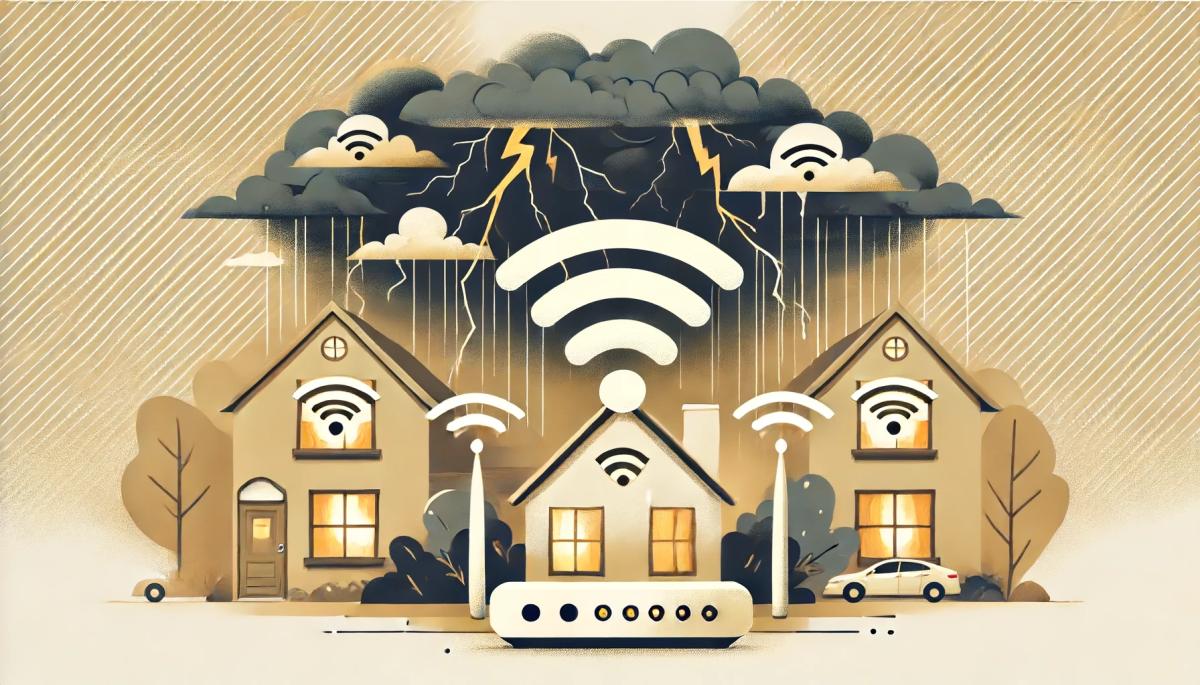
▾We are often subconsciously scared of the storm, do you have that feeling too? And especially in the summer, when the sky suddenly clouded over and the dark, blue and grey clouds appear in a moment, windless conditions turn into intensifying gusts of wind and it is not far to the first thunder. Come to find out if the vagaries of the weather affect the quality of your internet connection.
One never knows
Thunderstorms are unpredictable. Because they are accompanied by lightning strikes, they can be very dangerous for technology, especially for electronics. Such lightning has a great effect on all electrical equipment, not only at the point of impact, but often quite far in the vicinity. If lightning strikes an electrical line or other conductor (such as a telephone or data cable), a very high overvoltage can occur, resulting in the destruction of connected electrical appliances in a wide area. Of course, every house has a lightning conductor and fuses, but that will not protect you 100%.
Disconnect cables
Of course, you wouldn't help much yourself with superstition, but completely ignoring the coming rampage of natural forces is definitely not a good idea, electronics are very sensitive to these interventions and sometimes a little is enough. Disabling the fuses themselves certainly does not protect devices that are connected via antennas and other connecting cables. There is no such high risk of mobile devices, but if you use wired internet connected via telephone lines, it is definitely necessary to disconnect the modem in the event of an approaching storm. It is also suitable to disconnect all devices with screens, monitors, electrical appliances with motors (washing machines, refrigerators, freezers, mixers, coffee machines, etc.). Even a high-quality UPS with so-called over voltage protection is not a 100% guarantee that no damage will occur. For television sets, it is of course necessary to disconnect the antenna cable as well. Due to the high voltage caused by lightning, by the circuit breaker can be skipped a discharge even between the open contacts when the circuit breaker is switched off. Of course, you should also disconnect the router and other devices from the outlet.
Pay attention to the location of the antennas!
During the installing the antennas, the antenna itself on the mast or the so-called "boom" and all conductive elements must be conductively connected, this also applies to their individual components. Furthermore, for installation, high-frequency or other communication cables must not cross the main outlet of the installed lightning conductor. In the case of parallel lines, a distance of at least two meters must be observed. This is not an unnecessary regulation, as this arrangement minimizes the possibility of inducing a discharge passing through the lightning conductor into these cables. Of the other standards, lightning protection is important (this is the real name, you can find it under the designation ČSN EN 62305–3). The standard is quite extensive, it is certainly important for you that any mast on the roof must not exceed the tops of the collecting rods and must have an end in the form of a lightning rod. This is especially important if you install a Wi-Fi network with a lange range yourself.
Internet problems can occur immediately after a storm
Do you have problems with connecting? n such a case, the first is the optical inspection, especially for antennas and other elements that are located on the roof, on the chimney and like that. Sometimes, for a signal loss or a significant attenuation, a change in the position of the antenna or receiver is sufficient, which can be caused, for example, by strong gusts of wind. Another possibility is mechanical damage, which we discover only after a thorough inspection of the device, which is not always completely accessible. In the event of a stronger storm, water may enter the wiring or connectors if it is not dried properly and in good time, which is a possible cause of subsequent corrosion and malfunction of the device. Heavy rain, blizzards and wet leaves on the trees can complicate the spread of Wi-Fi signal.
In short, the weather is definitely not good for the quality of your internet connection, and what's more, it can have a really negative impact on it. If possible, do not hesitate to contact your provider directly due to a prolonged outage. He should advise you on what to check and how to proceed.
Phone instead of a card or key. What is NFC and how does it work?

Just hold your phone up to a terminal and within moments the payment is made. However, NFC technology is capable of much more. We will explain what NFC is and how it works, what actually happens during NFC mobile payments, what else you can use it for, and how secure it is. We will also show what NFC tags are and how they can simplify some daily tasks.
What would happen if the internet went down for a day?

What if there was a full-day internet outage? An immediate collapse of society wouldn't occur, but daily operations would quickly become complicated because today's world is more dependent on the internet than we often realize. Which services would stop functioning first, and what would happen with payments, transportation, or work?
WPA, WPA2, WPA3: Which Wi-Fi security should you use today?

WPA, WPA2, WPA3, AES or TKIP? Wi-Fi security settings might initially seem unnecessarily complicated. However, when you understand what each abbreviation stands for, it becomes fairly simple. Therefore, we'll explain the differences between them and which is the best choice today. We'll also suggest what settings to choose if you have older devices at home that don't support the latest standard.
Is incognito mode really anonymous? Who still sees what you're doing

Do you think incognito mode hides you from everyone on the internet? In reality, it works a bit differently. We explain what it actually does, when it's sensible to use it, who can still see your activity, and whether history can be traced in incognito mode.
Why Does AI Hallucinate? A Peek Under the Hood of Language Models

AI can answer almost any question in just a few seconds. However, sometimes it confidently states information that is not true. Why does this happen and what are so-called AI hallucinations? In this article, we'll explain how large language models work, why they sometimes create false answers and how developers are gradually trying to mitigate this issue.
What is a CDN and why is internet content copied worldwide

Behind every loaded video, photo, or webpage is a technology called CDN. It is used by streaming services, social networks, and regular websites, yet many people have never heard of it. In this article, we will explain what this abbreviation means, how it works, why internet content is stored in various locations around the world, and why today's internet can hardly do without it.