 ▾
▾When you type a website address into the browser, the correct page loads in an instant. This is managed by the DNS system, without which the internet as we know it would not exist at all. In this article, you will learn what DNS is, how it works, what types of records it contains, and why it is important for both speed and security of the connection.
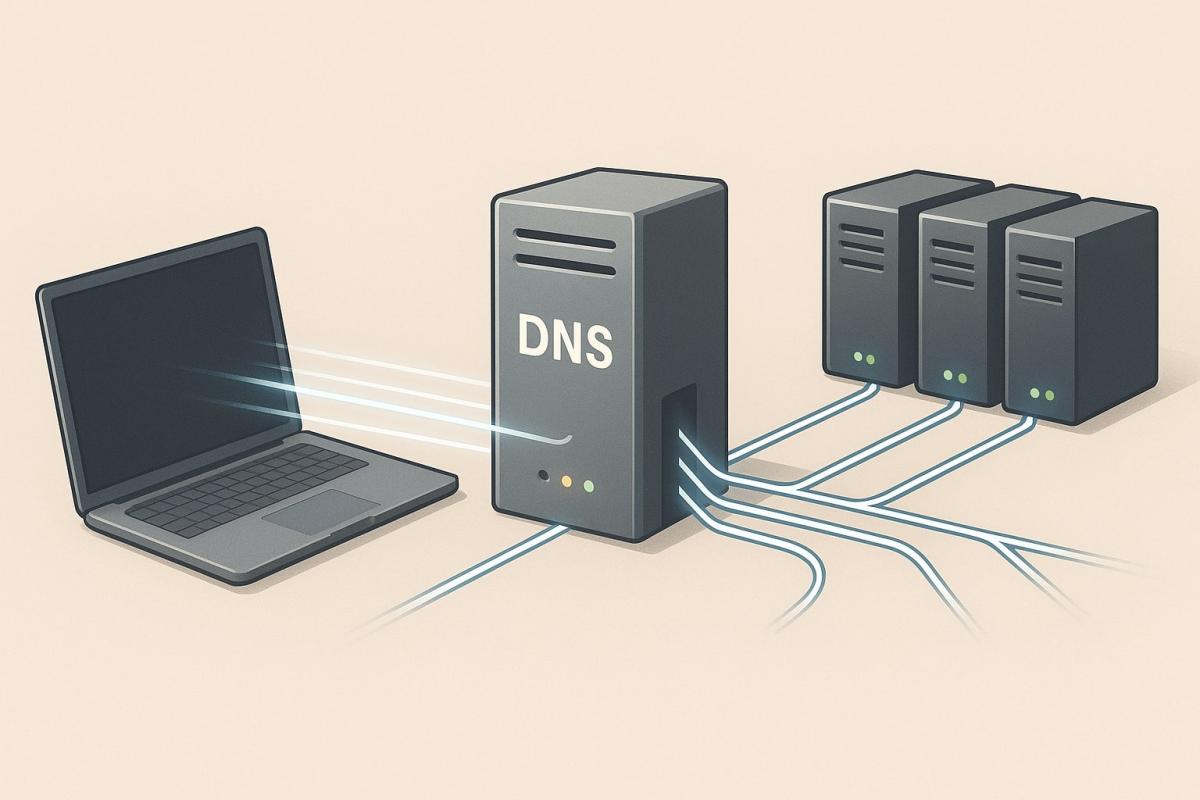
Loading web pages is something we take for granted. You enter the address, press Enter, and the correct page appears in an instant. In reality, a complex process takes place, which is handled by DNS (Domain Name System).
DNS servers ensure the translation of domain names, such as www.google.com, into numerical IP addresses. This directs the request to the correct target, and the website loads without delay. Thanks to DNS, there's no need to deal with long numerical codes, but rather remember a simple name.
The significance of this technology is greater than most people realize. DNS contributes not only to the convenient use of the internet but also to its speed and security. Properly configured records can speed up the loading of websites, protect against attacks, and ensure a stable connection.
In this article, we will explain how DNS works in practice, what types of DNS records exist, when changing settings might make sense, and what trends are advancing this area.
What is DNS and how does it work?
If you're wondering what DNS is, the answer leads to the very foundations of the internet. DNS has been in operation since 1983, when it was proposed by Paul Mockapetris as a replacement for the HOSTS.TXT file. Originally, this file maintained a list of all known domains and their addresses, but with the rapid growth of the network, it became unusable.
Since then, DNS has become an indispensable part of the internet. It operates thanks to a network of cooperating servers, which are hierarchically arranged and can handle billions of requests daily without overloading.
The translation process itself proceeds as follows:
- The request from your computer is first handled by a resolver, usually at the internet service provider.
- The resolver contacts the root DNS server, which refers to the correct domain area (e.g., .cz or .com).
- The next step directs to the TLD server, which knows the records for specific domains.
- Finally, the authoritative DNS server returns the IP address your browser needs.
How DNS affects speed and security
Correctly configured DNS has a direct impact on connection speed and stability. If the service is slow or overloaded, the time it takes for a page to load will be longer. Therefore, internet providers and large companies operate powerful DNS servers that can process enormous amounts of requests within milliseconds.
Security is just as important. Attackers can exploit weaknesses in DNS to redirect users to fake sites. Therefore, there are extensions like DNSSEC that verify the authenticity of responses and protect against data manipulation. This makes the connection more reliable and reduces the risk of fraud.
For the average user, this means that the correct DNS configuration can speed up website loading and simultaneously increase the level of protection. In some cases, it pays to use alternative providers, such as Google DNS or Cloudflare, instead of the default solution from the internet provider.
What types of DNS records exist?
DNS works with different types of records, which dictate how a domain should be routed and what services belong to it. Each of them has a specific role and together they form a complete picture of the operation of the given domain.
- A record – translates a domain name to an IPv4 address.
- AAAA record – similar to the A record, but used for IPv6.
- CNAME record – an alias that redirects one domain to another.
- MX record – specifies where emails for the domain should be delivered.
- NS record – defines which DNS servers are authoritative for a particular domain.
- TXT record – stores textual information, used for example to verify a domain or set up SPF for emails.
- PTR record – used for reverse lookup, i.e., from an IP address back to the domain name.
- SRV record – specifies on which server and port a particular service (e.g., VoIP) runs.
These DNS records are usually managed by the domain administrator or the hosting provider. For the average user, it is good to know that they decide on the correct routing of a website, email delivery, or service availability.

How to set up DNS
Default DNS servers from the internet provider work reliably, and for most people, there is no need to change them. Only those who know what they're doing should venture into DNS settings – incorrect values can cause some websites to not load at all.
Change makes sense mainly for advanced users who want to try alternative services. Public DNS servers, like Google (8.8.8.8 and 8.8.4.4) or Cloudflare (1.1.1.1 and 1.0.0.1), can sometimes offer faster response or a higher level of security, for example by blocking harmful domains.
Changing settings on a device
- Open network settings (Wi-Fi or wired connection).
- Find the option to manually enter DNS server addresses.
- Enter the preferred and alternative IP address of the chosen provider.
- Save the changes and restart the connection.
Changing settings on the router
- Log into the router's administrative interface.
- In the network settings section, find the area for DNS servers.
- Enter the new addresses and save the configuration.
- From that moment on, all devices in the network will use the chosen DNS provider.
If you're unsure, it's better to keep the default values from the internet provider. For most users, it is the safest choice.
Common problems and their solutions
Even though DNS usually works without user intervention, errors can occasionally occur. Most often, these are situations recognizable even without technical knowledge.
Pages load slowly
It's usually not an issue with DNS, but with the internet connection itself or the website server load. If it happens frequently, try restarting the router or contacting the provider.
Error message 'DNS server not responding'
This means that your computer or phone did not receive a response from the DNS server. Restarting the device or router can help. If the problem persists, the error is likely on the side of the internet provider.
Some websites are blocked
Sometimes pages are blocked at the DNS level. Advanced users can try alternative services like Google DNS or Cloudflare. However, if you're unsure, it's better to keep the default DNS settings.
Not just technology, but also practical impact for everyone
When we know what DNS is, it's good to realize its role in everyday internet use. Although it is managed by administrators and providers, everything depends on it – from opening a webpage to sending an email.
Even though the abbreviation DNS might seem complex, in practice, it's a technology without which no online service would be available as easily and reliably as we're accustomed to.
Phone instead of a card or key. What is NFC and how does it work?

Just hold your phone up to a terminal and within moments the payment is made. However, NFC technology is capable of much more. We will explain what NFC is and how it works, what actually happens during NFC mobile payments, what else you can use it for, and how secure it is. We will also show what NFC tags are and how they can simplify some daily tasks.
What would happen if the internet went down for a day?

What if there was a full-day internet outage? An immediate collapse of society wouldn't occur, but daily operations would quickly become complicated because today's world is more dependent on the internet than we often realize. Which services would stop functioning first, and what would happen with payments, transportation, or work?
WPA, WPA2, WPA3: Which Wi-Fi security should you use today?

WPA, WPA2, WPA3, AES or TKIP? Wi-Fi security settings might initially seem unnecessarily complicated. However, when you understand what each abbreviation stands for, it becomes fairly simple. Therefore, we'll explain the differences between them and which is the best choice today. We'll also suggest what settings to choose if you have older devices at home that don't support the latest standard.
Is incognito mode really anonymous? Who still sees what you're doing

Do you think incognito mode hides you from everyone on the internet? In reality, it works a bit differently. We explain what it actually does, when it's sensible to use it, who can still see your activity, and whether history can be traced in incognito mode.
Why Does AI Hallucinate? A Peek Under the Hood of Language Models

AI can answer almost any question in just a few seconds. However, sometimes it confidently states information that is not true. Why does this happen and what are so-called AI hallucinations? In this article, we'll explain how large language models work, why they sometimes create false answers and how developers are gradually trying to mitigate this issue.
What is a CDN and why is internet content copied worldwide

Behind every loaded video, photo, or webpage is a technology called CDN. It is used by streaming services, social networks, and regular websites, yet many people have never heard of it. In this article, we will explain what this abbreviation means, how it works, why internet content is stored in various locations around the world, and why today's internet can hardly do without it.