 ▾
▾Wireless charging has evolved from a luxury feature to a standard part of most modern phones. Simply place your mobile on the pad, and energy begins to flow without searching for a cable and connector. We explain how wireless charging works, what it entails, and why Qi and Qi2 technologies have become the new standard of convenience.
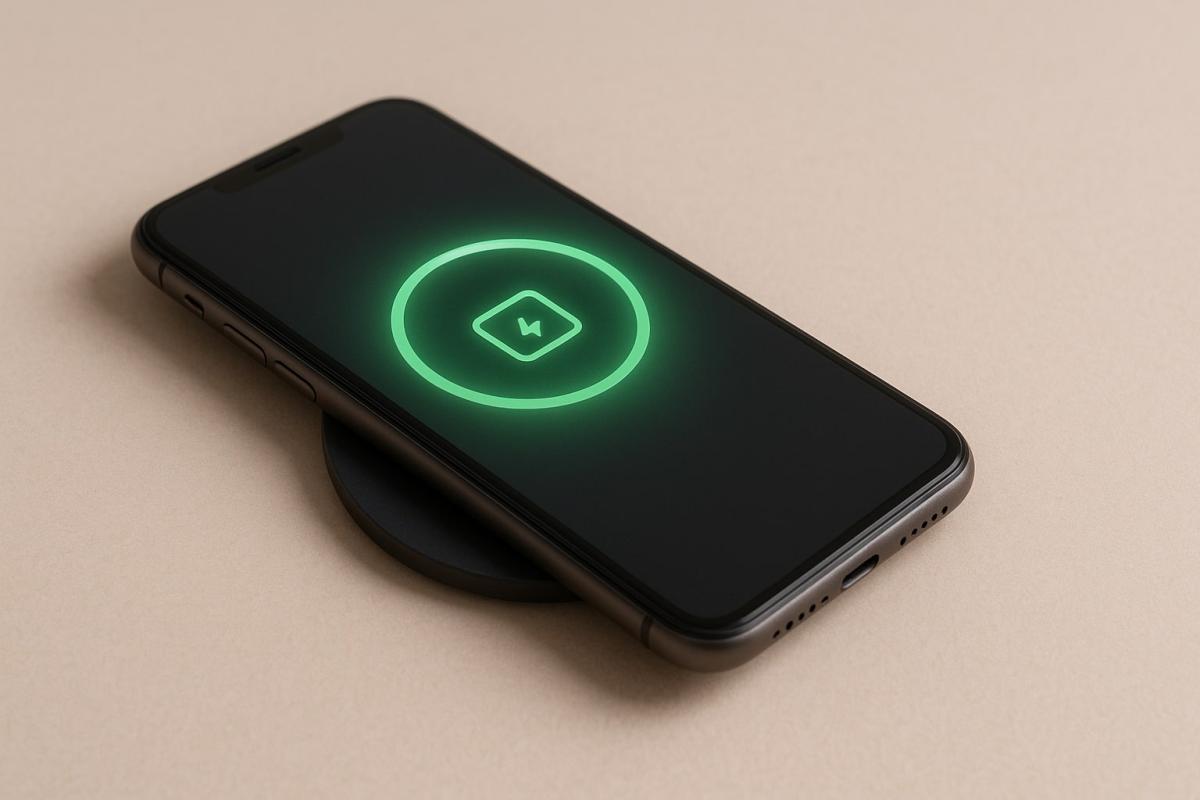
Cables are slowly fading away, and with them the constant plugging in of phones. Just place the device on the pad, and it starts charging almost instantly. Wireless charging has become a symbol of convenience and is primarily found in higher-end smartphone models today.
From an originally supplementary feature, it has become a technology finding its way into other devices over the years. Smartwatches, headphones, and power banks are charged this way, and even though it's not always the same standard, the principle remains similar. Energy is transferred without the need for a cable. Users appreciate the simplicity and compatibility brought by the Qi standard, while the newer Qi2 increases efficiency and precision through magnets.
Wireless charging is gradually becoming a common part of modern electronics. But how does this principle work, and what exactly happens between the pad and your phone when energy starts flowing?
How wireless charging works
You place your phone on the pad, the light turns on, and the device starts charging. Wireless charging isn't entirely without wires. The pad itself must be connected to the electrical grid, as it draws the energy needed to transfer to the phone from there.
This simple principle is based on a physical phenomenon called electromagnetic induction, known to humanity for more than a hundred years.
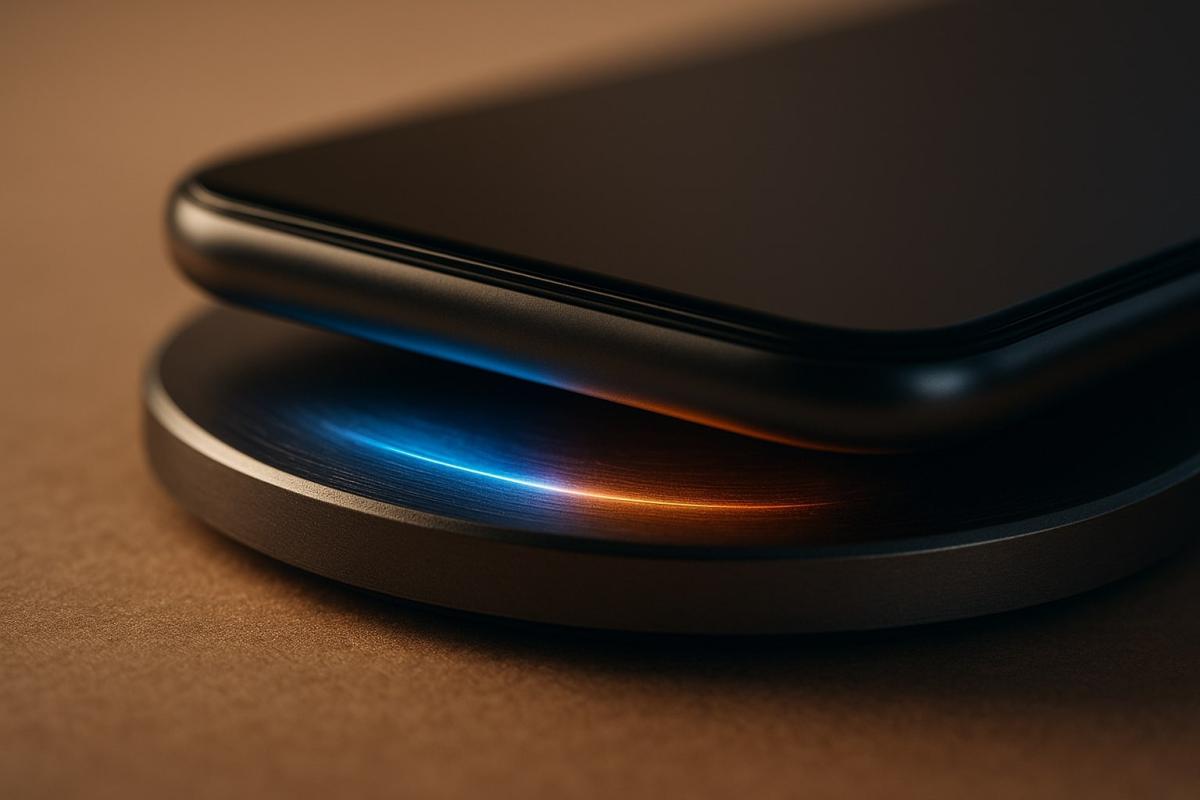
Inside the charging pad is a coil through which alternating electric current flows. This creates a magnetic field that acts on the second coil in the phone. In it, magnetic energy is converted into electrical energy, which charges the battery. To ensure the transfer is as efficient as possible, both coils must be very close to each other, usually within a few millimeters.
During mobile charging, communication takes place between the phone and the charger. They share information about position, temperature, and performance to ensure charging is safe and with minimal losses.
Thanks to this precise coordination, wireless charging has become not only a convenient but also a reliable way to replenish energy without needing to connect a cable.
From Qi to Qi2: The evolution of the charging standard
To ensure that different devices are compatible, the Qi standard was developed, which unified how wireless charging occurs and how phones communicate with chargers.
Qi ensures compatibility across brands, safe energy transfer, and an energy-saving mode when there is no device on the pad. Its development and certification are handled by the Wireless Power Consortium, where manufacturers like Samsung, Sony, or Apple collaborate.
However, technology continues to evolve. Its successor, Qi2, adds magnets that help the phone align precisely over the charger. This reduces losses, and energy transfer becomes faster. The new standard also increases maximum power and maintains backward compatibility with older devices.
While all newer iPhones from the 12 series support Qi2, its expansion is slower among Android phones. Many models labeled "Qi2 Ready" can utilize the new standard with a magnetic cover.
Speed and efficiency in practice
Wireless charging offers convenience but still falls behind the speed of wired connections. Energy transfer results in losses, as part of it is converted to heat.
The original Qi version offered power up to 5 watts. Over time, chargers with power ranging from 15 to 25 watts have emerged, which are common today. Some brands, like Xiaomi or Honor, are developing their systems with over 80 watts of power. However, these usually only work with specific models and are not compatible with other devices.
The newer Qi2 standard addresses the main weakness of previous versions – the inaccurate placement of the phone. Built-in magnets align the device precisely over the coil, reducing losses and speeding up energy transfer. The charger also communicates with the phone, regulates power, and monitors temperature to prevent battery overheating.
With these improvements, wireless charging approaches the efficiency of conventional chargers and becomes a reliable solution for everyday use.
Advantages and disadvantages
Wireless charging has gained popularity mainly due to the convenience it provides. There's no need to find the right cable or aim for the connector. The phone just needs to be placed on the pad, and energy starts flowing. However, besides advantages, the technology also has its limits.
Advantages of wireless charging
- easy use without a cable,
- saves the phone's connector,
- universal compatibility thanks to the Qi standard,
- the ability to have multiple devices on one charging station,
- safe management of power and temperature during charging.
Disadvantages of wireless charging
- slower than classic cable charging,
- higher energy losses and heat generation,
- requires precise placement of the phone on the pad,
- cannot be conveniently used while charging
- long charging periods may lead to greater battery heating.
Reverse charging: When the phone becomes a charger
Reverse charging uses the same principle as wireless charging, just in the opposite direction. A phone with this feature can transfer energy to another device – such as wireless earbuds, smartwatches, or another phone.
Just enable the feature in the settings and place the second device on the back of the phone. Both coils connect, and energy transfer starts automatically. It is most commonly used in Samsung (PowerShare) or Huawei models, among the first manufacturers to offer reverse charging.
For energy transfer, the phone needs to have a glass back. Metal would obstruct the path of the electromagnetic field, making wireless charging impossible.
Although reverse charging won't replace a conventional power bank, it can be very useful in situations where you need to quickly charge smaller devices.
How to choose a charger and take care of the battery
When choosing a wireless charger, the most important thing is to verify that it supports the Qi standard. This ensures the charger will work with most phones on the market. The power of standard pads is around 15 watts, ideal for everyday mobile charging.
Stands that allow you to view the display while charging or multi-port stations for charging several devices at once are also practical. In the car, it's advisable to choose a model with firm fixation, so the phone remains in place even while driving.
For longer battery life, it's recommended to keep devices away from direct sunlight, avoid overheating, and not leave the phone on the charger permanently after reaching 100%. Although wireless charging is gentle on ports, the battery benefits from being discharged and recharged in the classic way from time to time.
Where is wireless charging heading next?
In recent years, wireless charging has advanced significantly. From a slow and rather experimental technology, it has become a standard feature of smartphones. With the advent of the Qi2 standard, efficiency and speed have increased, and magnets have solved the problem of precise device placement.
However, the question remains, where will the technology go next. Manufacturers are already testing energy transfer over longer distances, such as charging a mobile lying just near the station. This solution would eliminate even the last need to place the phone in a specific spot.
For now, however, it's more about laboratory experiments. Mass adoption would require new safety standards and lower energy losses. Current development is thus mainly focused on optimizing existing solutions and integrating chargers into furniture, cars, or public spaces.
Phone instead of a card or key. What is NFC and how does it work?
Just hold your phone up to a terminal and within moments the payment is made. However, NFC technology is capable of much more. We will explain what NFC is and how it works, what actually happens during NFC mobile payments, what else you can use it for, and how secure it is. We will also show what NFC tags are and how they can simplify some daily tasks.
What would happen if the internet went down for a day?

What if there was a full-day internet outage? An immediate collapse of society wouldn't occur, but daily operations would quickly become complicated because today's world is more dependent on the internet than we often realize. Which services would stop functioning first, and what would happen with payments, transportation, or work?
WPA, WPA2, WPA3: Which Wi-Fi security should you use today?
WPA, WPA2, WPA3, AES or TKIP? Wi-Fi security settings might initially seem unnecessarily complicated. However, when you understand what each abbreviation stands for, it becomes fairly simple. Therefore, we'll explain the differences between them and which is the best choice today. We'll also suggest what settings to choose if you have older devices at home that don't support the latest standard.
Is incognito mode really anonymous? Who still sees what you're doing

Do you think incognito mode hides you from everyone on the internet? In reality, it works a bit differently. We explain what it actually does, when it's sensible to use it, who can still see your activity, and whether history can be traced in incognito mode.
Why Does AI Hallucinate? A Peek Under the Hood of Language Models

AI can answer almost any question in just a few seconds. However, sometimes it confidently states information that is not true. Why does this happen and what are so-called AI hallucinations? In this article, we'll explain how large language models work, why they sometimes create false answers and how developers are gradually trying to mitigate this issue.
What is a CDN and why is internet content copied worldwide

Behind every loaded video, photo, or webpage is a technology called CDN. It is used by streaming services, social networks, and regular websites, yet many people have never heard of it. In this article, we will explain what this abbreviation means, how it works, why internet content is stored in various locations around the world, and why today's internet can hardly do without it.