 ▾
▾Today's home Wi-Fi network is under increasing pressure. It has to handle video calls, online gaming, and dozens of smart devices. The new Wi-Fi 7 standard offers a solution that takes wireless connectivity to the next level. We'll explain what this standard means in practice and why it might be crucial for the future of home and business networks.
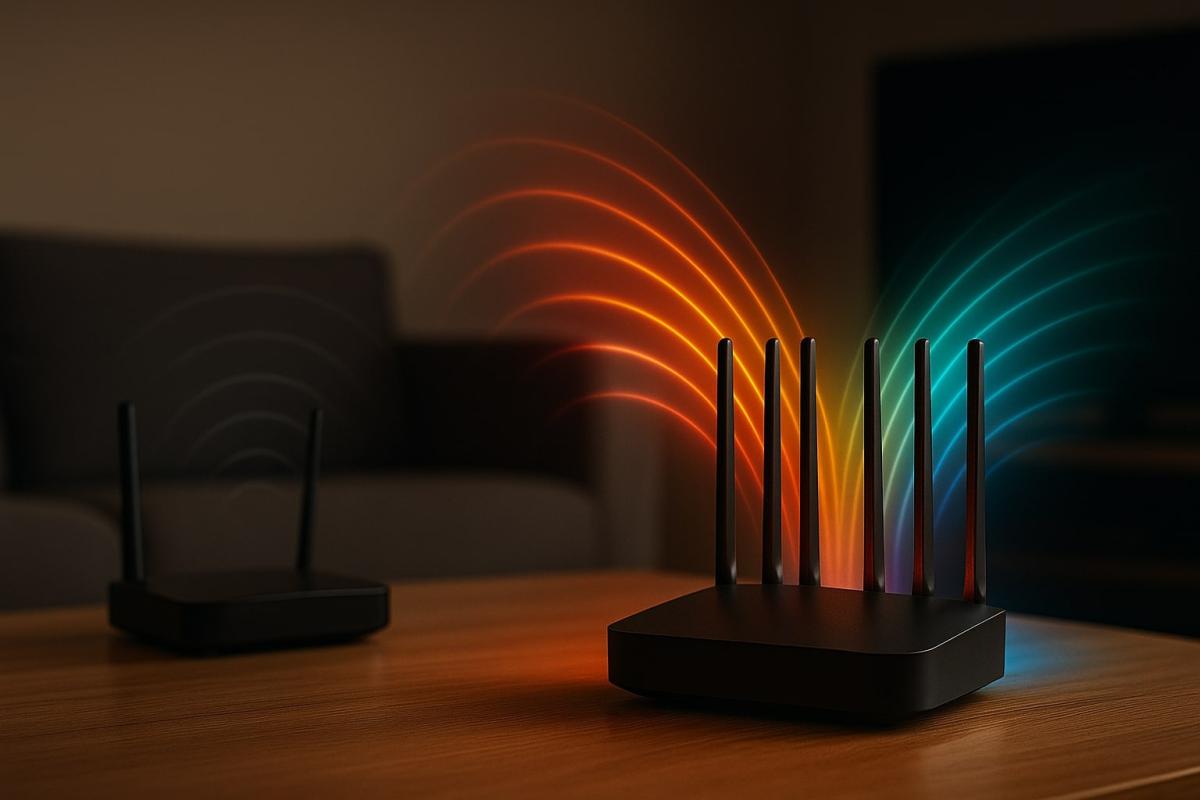
Routers labeled as Wi-Fi 7 are starting to appear on store shelves and in online shops, with manufacturers presenting them as a fundamental leap in wireless connectivity. The new standard, officially known as IEEE 802.11be, builds on Wi-Fi 6 and 6E, but this time it's not just about minor improvements. Wi-Fi 7 introduces technologies that aim to significantly speed up data transfer, improve stability, and reduce latency even in the most demanding situations.
While most devices still operate on older versions, the arrival of Wi-Fi 7 is inevitable. Thanks to backward compatibility with previous standards, a new router can work with older laptops or phones, but its full potential will only be realized with a generation of devices that support all the new features.
In this article, we'll look at what Wi-Fi 7 means in practice, what innovations it brings compared to Wi-Fi 6, and when it's worth considering getting a Wi-Fi 7 router.
Main innovations in Wi-Fi 7
Wi-Fi 7 is built on several technological enhancements designed to ensure faster, more stable, and reliable connectivity. It's not just about higher numbers on paper but about changes that have an impact even in an ordinary household.
The first noticeable innovation is the 320 MHz channel width. Compared to the previous generation, this is double, meaning that much more data can flow through the signal at once. In practice, you'll appreciate this, for example, when streaming movies in 8K resolution or working with large files in the cloud, where the data transfer speed becomes immediately apparent.
Another innovation is 4K-QAM modulation, which allows more information to be transferred through a single wave of the signal. If you have a fast connection available, the Wi-Fi 7 router can get the most out of it. You'll notice the result when downloading, during video calls, and gaming, where a smooth data flow is crucial.
Multi-Link Operation (MLO) also plays a significant role. Whereas previously devices used just one band, Wi-Fi 7 can work over multiple bands simultaneously. It uses different Wi-Fi frequencies, namely 2.4 GHz, 5 GHz, and 6 GHz, and cleverly distributes data among them. This results in more stable connectivity and lower latency, which is especially appreciated by gamers or those working with video conferences.
Network capacity is managed by 16×16 MU-MIMO technology, which enables the router to communicate with a larger number of devices simultaneously. In a typical household, this means that the internet won't slow down even when ten or twenty devices are connected at once, from phones to laptops to smart TVs.
Thanks to the combination of these features, Wi-Fi 7 reaches a theoretical speed of up to 46 Gbit/s. This is a value you'll hardly reach in practice, but it clearly shows that the new standard has room for the future.
Differences Wi-Fi 7 vs. Wi-Fi 6/6E
Compared to the previous generation, it's a much more significant step. While Wi-Fi 6 focused mainly on efficiency with the growing number of devices, Wi-Fi 7 adds a significant increase in speed and throughput.
- The speed increases from a maximum of around 9.6 Gbit/s on Wi-Fi 6 to a theoretical 46 Gbit/s.
- Thanks to Multi-Link Operation, a single device can use multiple Wi-Fi frequencies simultaneously, reducing latency.
- Network capacity doubles thanks to 16×16 MU-MIMO, so a Wi-Fi 7 router can handle many more connected devices without slowing down.
In short, Wi-Fi 7 is focused not only on speed but also on stability and the ability to handle intensive traffic where older standards hit their limits.

Advantages and disadvantages in practice
Advantages
Future-proof
If you get a Wi-Fi 7 router, you won't be limited to current devices. The router is backward compatible with older standards, but it is mainly ready to fully utilize the new generation of laptops, phones, and other devices that are just beginning to appear.
Stability under heavy load
Wi-Fi 7 is appreciated by households or businesses where many devices are connected simultaneously. Although you may not use all the technological capabilities today, as the number of devices gradually increases, the advantage of a more stable network will become more evident.
Universal use
Thanks to support for all major Wi-Fi frequencies (2.4 GHz, 5 GHz, 6 GHz), the new standard fits various environments – from small apartments to larger offices or multi-story houses.
Disadvantages
Higher price than regular models
Routers with Wi-Fi 7 are still new to the market and are therefore sold at higher prices than established Wi-Fi 6 models.
Full benefits with new devices
Older laptops and phones can connect to the router without issue, but they can't take advantage of all the innovations Wi-Fi 7 offers. The real difference will thus be felt with newer devices that support the standard.
Do you need a Wi-Fi 7 router?
The answer primarily depends on how you use your network today and what your plans are for the future. If you are an average user who mainly uses the internet for surfing, occasional streaming, and emails, a high-quality Wi-Fi 6 router will probably serve you well. Switching to Wi-Fi 7 would mean more of an investment in technology whose benefits you might not fully recognize yet.
The situation is different in households and businesses where a large number of devices are connected simultaneously. It is precisely there that the new standard makes the most sense today. If online education, remote work, movie streaming, and gaming run side by side, a Wi-Fi 7 router can maintain a stable and fast network even under these demanding conditions.
The decision may also be influenced by whether you plan to purchase newer laptops, phones, or other electronics with Wi-Fi 7 support shortly. Once you have these devices, the difference compared to older standards will be more noticeable.
A practical argument for purchasing is also backward compatibility. A Wi-Fi 7 router works with older devices, so you don't have to worry about anything stopping working. It's more a question of whether you want your network to be future-proof for several years or if you prefer to wait until router prices decrease and the selection of compatible devices expands.
For users who want the assurance that their network will meet future demands, Wi-Fi 7 is a logical choice today. For others, it might be more sensible to wait until the technology is more widespread.
Phone instead of a card or key. What is NFC and how does it work?

Just hold your phone up to a terminal and within moments the payment is made. However, NFC technology is capable of much more. We will explain what NFC is and how it works, what actually happens during NFC mobile payments, what else you can use it for, and how secure it is. We will also show what NFC tags are and how they can simplify some daily tasks.
What would happen if the internet went down for a day?

What if there was a full-day internet outage? An immediate collapse of society wouldn't occur, but daily operations would quickly become complicated because today's world is more dependent on the internet than we often realize. Which services would stop functioning first, and what would happen with payments, transportation, or work?
WPA, WPA2, WPA3: Which Wi-Fi security should you use today?

WPA, WPA2, WPA3, AES or TKIP? Wi-Fi security settings might initially seem unnecessarily complicated. However, when you understand what each abbreviation stands for, it becomes fairly simple. Therefore, we'll explain the differences between them and which is the best choice today. We'll also suggest what settings to choose if you have older devices at home that don't support the latest standard.
Is incognito mode really anonymous? Who still sees what you're doing

Do you think incognito mode hides you from everyone on the internet? In reality, it works a bit differently. We explain what it actually does, when it's sensible to use it, who can still see your activity, and whether history can be traced in incognito mode.
Why Does AI Hallucinate? A Peek Under the Hood of Language Models

AI can answer almost any question in just a few seconds. However, sometimes it confidently states information that is not true. Why does this happen and what are so-called AI hallucinations? In this article, we'll explain how large language models work, why they sometimes create false answers and how developers are gradually trying to mitigate this issue.
What is a CDN and why is internet content copied worldwide

Behind every loaded video, photo, or webpage is a technology called CDN. It is used by streaming services, social networks, and regular websites, yet many people have never heard of it. In this article, we will explain what this abbreviation means, how it works, why internet content is stored in various locations around the world, and why today's internet can hardly do without it.