 ▾
▾Just hold your phone up to a terminal and within moments the payment is made. However, NFC technology is capable of much more. We will explain what NFC is and how it works, what actually happens during NFC mobile payments, what else you can use it for, and how secure it is. We will also show what NFC tags are and how they can simplify some daily tasks.
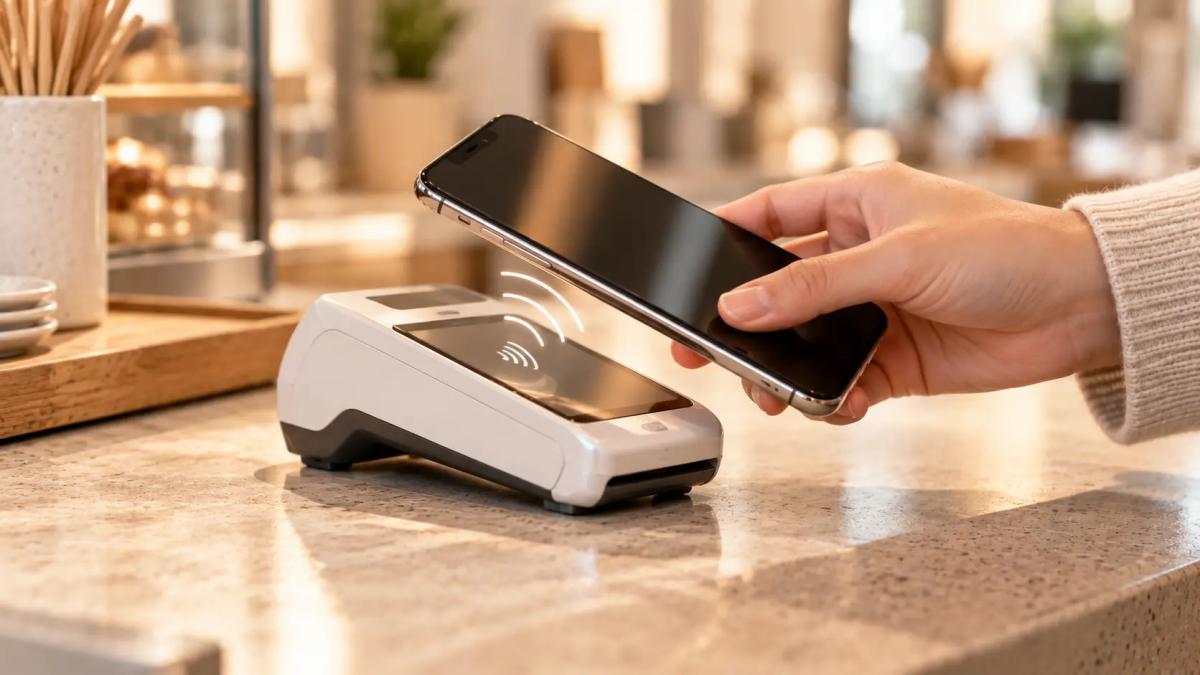
Your shopping is rung up, you pull out your phone, hold it to the terminal, and moments later you leave. Behind this simple act is technology that most of us use regularly without paying too much attention to what happens behind the scenes.
We're talking about NFC. Most often it is associated with mobile payments, but it can do much more. In this article, we'll explain how NFC works, what happens during phone payments, what NFC tags are for, and how security plays a role.
What is NFC and how does it work?
The acronym NFC stands for Near Field Communication, which is a wireless technology allowing two devices to transfer data when they are brought close together, usually a few centimeters apart.
NFC is based on RFID technology and operates using an electromagnetic field. One device creates a field that the second device in close proximity captures with its antenna. This creates a connection between them, allowing the exchange of necessary information. This is why you only need to bring your phone close to a payment terminal or an NFC tag. Direct contact is not necessary, but at a greater distance, they won't communicate.
The transfer speed can reach up to 424 kbit/s. Compared to Wi-Fi or Bluetooth, this isn't much, but NFC isn't intended for transmitting large files.
The phone can be a card, a reader, or a communication device
NFC can operate in three different modes. In card emulation mode, the phone behaves similarly to a contactless card. This is utilized, for example, in mobile payments or access systems.
The second option is reading and writing. The phone can read information stored in an NFC tag. Upon touching, it can, for example, open a stored web link or trigger a pre-set action, like turning on Wi-Fi.
The third mode allows direct communication between two NFC-equipped devices. Two phones can thus exchange a contact or a link to a specific webpage once brought close together.
What happens when you pay with a mobile?
NFC payments are one of the best-known examples of this technology's use. From the customer's perspective, everything is simple. You bring your phone or smartwatch close to the payment terminal, and the devices exchange the necessary payment data via NFC.
The transaction then goes through the payment network similarly to using a traditional card and needs to be authorized. All this can happen very quickly.
Importantly, a mobile wallet doesn't need to directly share your card number with the merchant during payment. It uses tokenization, replacing your card number with a payment token. Additional security may be added directly in the phone, such as fingerprint or facial recognition verification.
What can an NFC tag do?
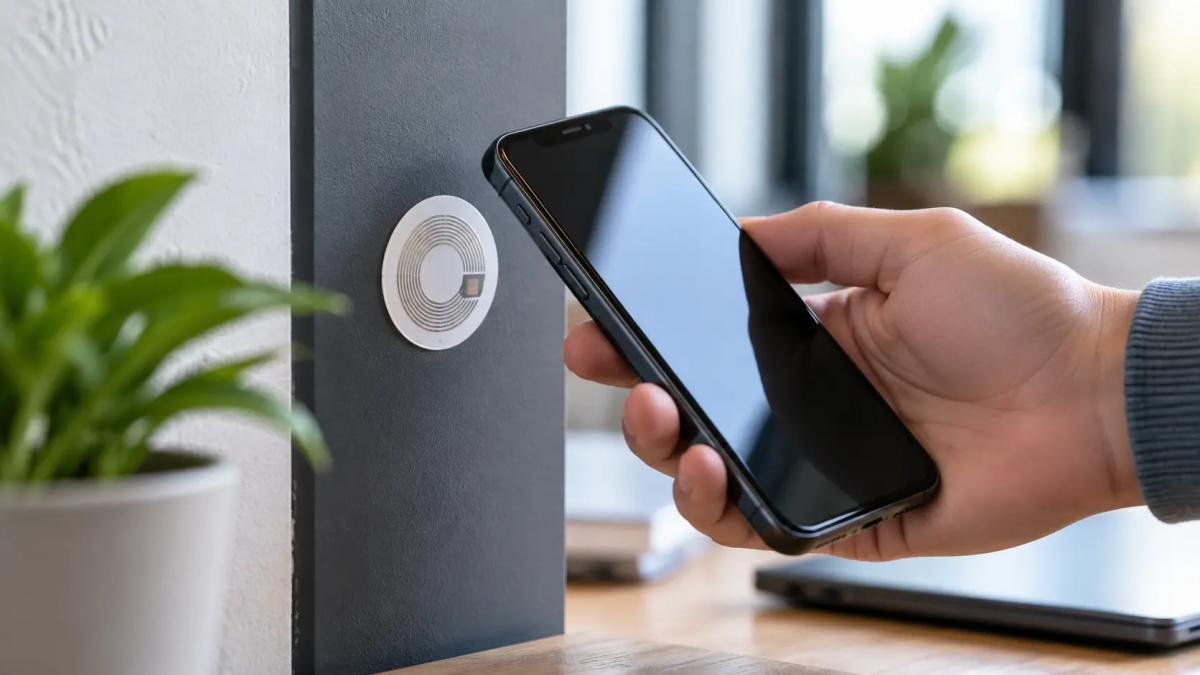
An NFC tag is a small passive component comprising a microchip and an antenna. It can take the form of a sticker, card, or keychain and stores a small amount of data that a compatible device can read.
An NFC tag might contain product information or links to additional content. In practice, it could be used on a smart poster, product packaging, or any location where you want to quickly access specific information via phone.
This clearly shows that an NFC chip doesn't have to be linked only to payments. A passive tag doesn't need its own power. It simply waits for a device capable of reading it to come close.
An NFC tag can also be a security risk
The same feature that allows an NFC tag to open a useful link or launch a specific action can also be misused. An attacker can prepare a tag that, when read, offers a phishing page disguised as a trusted service.
It's advisable to treat unknown NFC tags similarly to unknown QR codes or links. If a tag prompts your phone to open an unfamiliar webpage, it's worth checking where the link actually leads first.
How to turn on NFC and set up phone payments?
On Android, open Settings and search for “NFC.” If your phone supports it, the appropriate option will appear, which you can turn on. The exact location may vary depending on the phone manufacturer. For contactless payments, you might need something like Google Wallet set as the payment application with a supported card added.
On iPhone, you don't need to enable NFC separately for Apple Pay. You add a payment card in the Wallet app via Add Card and may need to verify it with your bank. Then, to pay, simply call up the card, verify with Face ID, Touch ID, or a code, and bring the top of your iPhone to the terminal.
Is NFC safe?
Yes, NFC is considered a secure technology for regular use, especially for contactless payments. Its very short range helps ensure security, as devices usually need to be only a few centimeters apart. Additional security layers, such as tokenization, user verification, and dynamic data used for each transaction, are added in mobile payments.
However, this does not mean NFC is invulnerable. Under certain conditions, wireless communication can be eavesdropped on. There are also relay attacks, where an attacker uses other devices to extend communication between an NFC device and the actual reader over a greater distance.
In payments, simply intercepting communication doesn't automatically mean the captured data can be easily used for another payment. That's what dynamic security mechanisms are supposed to prevent. NFC isn't bulletproof, but the way it is applied in modern mobile payments also anticipates potential attempts to intercept the communication.
NFC works best when you don't have to think about it
Simplicity is possibly NFC’s greatest advantage. Behind the scenes, complex processes might take place, but the user usually only has one concern: where to place the phone. The technology takes care of the rest.
NFC shows how technology can gradually disappear from our awareness without disappearing from our daily lives. The more effectively it works, the less we have to think about what exactly is happening in the background.
Frequently Asked Questions
What is NFC on a phone?
NFC on a mobile phone is a wireless technology for communication over a very short distance. The mobile can communicate with a payment terminal, an NFC tag, or another compatible device because of this technology.
Do I need to keep NFC on my phone constantly enabled?
No. If your phone allows you to manually disable NFC, you can turn it on only when you wish to use it. It is not necessary for NFC to be constantly active for it to function.
Do I need internet connectivity for NFC?
Basic NFC communication occurs directly between devices over a short distance and does not rely on Wi-Fi. However, some services using NFC might require internet connectivity for their additional functionality.
Can someone steal my money through NFC?
NFC is not completely immune to attacks, and there are scenarios such as eavesdropping or relay attacks. However, modern contactless payments employ additional security measures, such as tokenization and dynamic authentication data, which limit the misuse of intercepted data.
What is the difference between NFC and Bluetooth?
Both technologies allow wireless communication, but NFC is designed for very short distances, typically just a few centimeters apart, and has a lower transmission speed. It's suitable for contactless payments, access systems, or NFC tags, whereas Bluetooth is better for communicating over a greater distance.
What would happen if the internet went down for a day?

What if there was a full-day internet outage? An immediate collapse of society wouldn't occur, but daily operations would quickly become complicated because today's world is more dependent on the internet than we often realize. Which services would stop functioning first, and what would happen with payments, transportation, or work?
WPA, WPA2, WPA3: Which Wi-Fi security should you use today?
WPA, WPA2, WPA3, AES or TKIP? Wi-Fi security settings might initially seem unnecessarily complicated. However, when you understand what each abbreviation stands for, it becomes fairly simple. Therefore, we'll explain the differences between them and which is the best choice today. We'll also suggest what settings to choose if you have older devices at home that don't support the latest standard.
Is incognito mode really anonymous? Who still sees what you're doing

Do you think incognito mode hides you from everyone on the internet? In reality, it works a bit differently. We explain what it actually does, when it's sensible to use it, who can still see your activity, and whether history can be traced in incognito mode.
Why Does AI Hallucinate? A Peek Under the Hood of Language Models

AI can answer almost any question in just a few seconds. However, sometimes it confidently states information that is not true. Why does this happen and what are so-called AI hallucinations? In this article, we'll explain how large language models work, why they sometimes create false answers and how developers are gradually trying to mitigate this issue.
What is a CDN and why is internet content copied worldwide

Behind every loaded video, photo, or webpage is a technology called CDN. It is used by streaming services, social networks, and regular websites, yet many people have never heard of it. In this article, we will explain what this abbreviation means, how it works, why internet content is stored in various locations around the world, and why today's internet can hardly do without it.
Who will inherit your photos, emails and accounts? Digital legacy is rarely addressed

When talking about inheritance, most people think of a house, a car or money in the account. Yet we also leave behind thousands of photos, emails, social media accounts or data stored in the cloud. What happens to them after death, and who will gain access to them? This article looks at how digital legacy works, why the bereaved may have problems with data, and how to get organized in your online footprint today.