 ▾
▾Tynker is a modern platform that teaches kids to program in a fun way. With the help of visual blocks, they can create their own games, animations or control robots. The platform supports creativity, logical thinking and allows kids to explore technology in a playful way. Find out how it works and what makes it better or worse than other platforms.
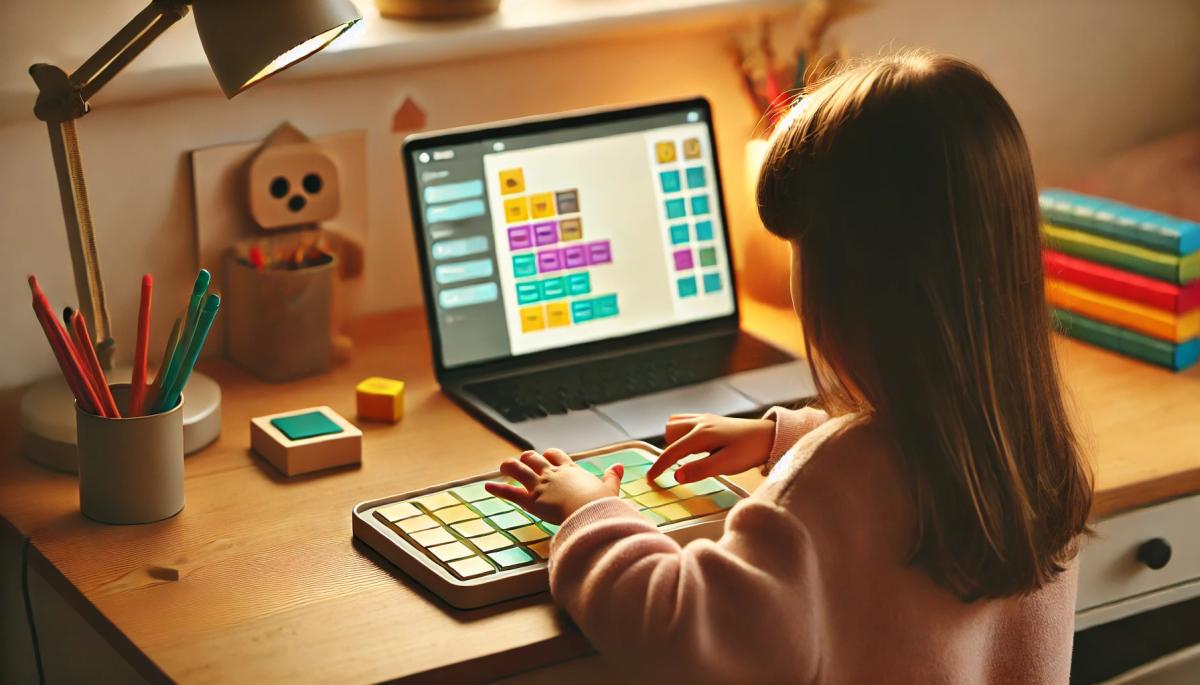
In the previous installment, we introduced the first of the programs that can help you teach your kids the basics of programming. This time, we will look at another interesting tool that allows them to dive into the world of technology. Tynker is a modern platform that once again combines programming education with fun. How does it differ from other platforms and how does it work?
What is Tynker?
Tynker is a platform designed primarily for children, allowing them to enter the world of programming in a fun and intuitive way. Unlike traditional programming teaching methods, it builds on visual learning. Children work with colorful blocks that represent commands, and by assembling them, they create functional code.
Young programmers can start with simple tasks like creating animations or interactive stories. They gradually transition to more complex projects, including game development or programming robots and drones. This approach not only teaches them the basics of coding but also supports creativity, critical thinking, and problem-solving.
Tynker is available online and as a mobile app, allowing children to learn anytime and anywhere. The platform offers content divided by age and abilities, making it suitable for both complete beginners and more advanced kids who already have programming experience.
How does Tynker work?
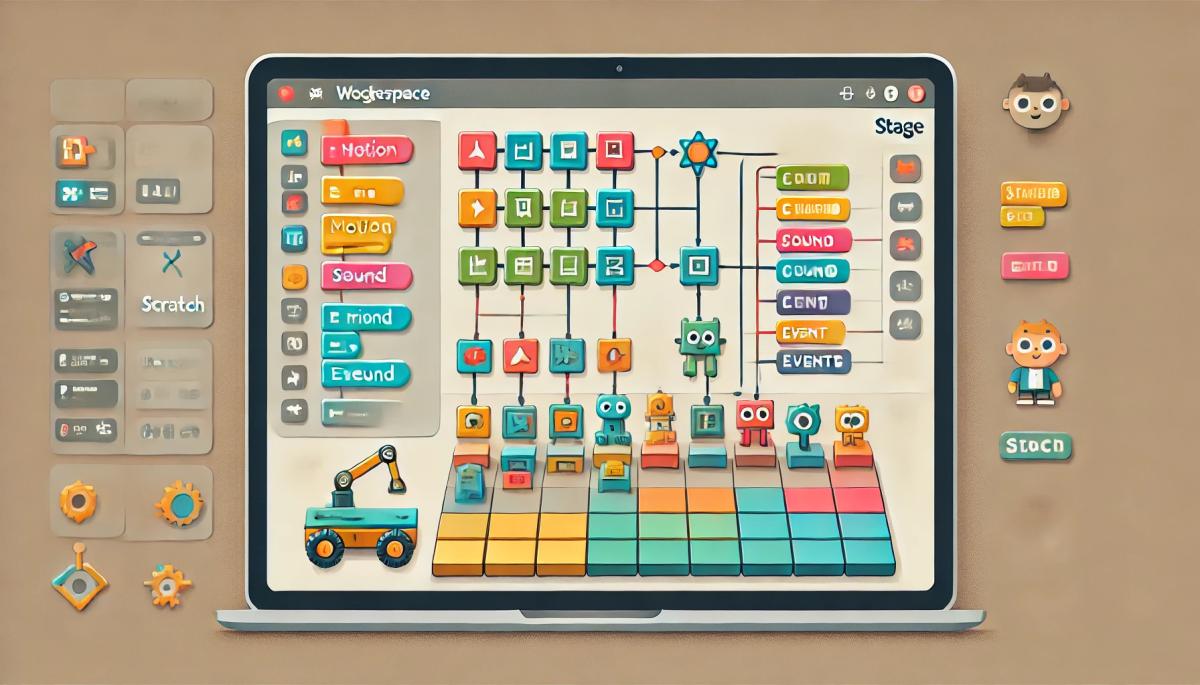
One of the biggest advantages of Tynker is its simple and user-friendly interface. Kids work in an editor that allows them to drag colorful blocks into the workspace. These blocks, categorized by functions (such as movement, sounds, events, conditions), are assembled like building blocks to create command sequences.
Beginner programmers can, for example, create an animation where a character dances upon mouse click, or a game where a character has to collect items and avoid obstacles. More advanced projects include programming robots, controlling drones, or working with the Internet of Things (IoT).
The platform also includes game challenges that motivate kids to explore new possibilities. Thanks to this playful approach, they do not even realize that they are learning important programming skills, such as algorithms, loops, variables, or conditions.
Advantages of Tynker
Tynker offers children a combination of fun and education that supports their motivation and development of key skills. Through visual programming, they learn the basics of algorithmic thinking, logic, and problem-solving without having to struggle with complex commands.
Another great advantage of Tynker is its flexibility – the content is adapted to different age groups and knowledge levels, so children can start with simple blocks and gradually move on to advanced programming in languages like Python or JavaScript. The platform also connects programming for real-world use.
Disadvantages of Tynker
One of the main drawbacks of Tynker is its pricing policy. While the basic content is available for free, most advanced features, lessons, and projects require a subscription, which may be a barrier for some families or schools. This sets Tynker apart from other platforms like Scratch, which is completely free and accessible to all.
How to start with Tynker?
Getting started with Tynker is simple, just visit the official website tynker.com or download the mobile app. After a quick registration, you gain access to introductory free lessons that guide the children through the first steps of programming. These lessons are ideal for newcomers, as they provide clear instructions and demonstrations of how Tynker works.
If you choose a paid subscription, a rich library of projects, game challenges, and advanced features open up to take the learning to a higher level. The platform is designed to be as intuitive and understandable as possible. Kids can easily navigate the colorful and clear interface, where they can start creating by dragging programming blocks.
There is also a range of interactive tutorials available that guide them step-by-step from basic animations to more complex projects like game development or robot control. In addition, Tynker allows parents and teachers to track children's progress, making it a great tool not only for home learning but also for teaching in schools.
Phone instead of a card or key. What is NFC and how does it work?

Just hold your phone up to a terminal and within moments the payment is made. However, NFC technology is capable of much more. We will explain what NFC is and how it works, what actually happens during NFC mobile payments, what else you can use it for, and how secure it is. We will also show what NFC tags are and how they can simplify some daily tasks.
What would happen if the internet went down for a day?

What if there was a full-day internet outage? An immediate collapse of society wouldn't occur, but daily operations would quickly become complicated because today's world is more dependent on the internet than we often realize. Which services would stop functioning first, and what would happen with payments, transportation, or work?
WPA, WPA2, WPA3: Which Wi-Fi security should you use today?

WPA, WPA2, WPA3, AES or TKIP? Wi-Fi security settings might initially seem unnecessarily complicated. However, when you understand what each abbreviation stands for, it becomes fairly simple. Therefore, we'll explain the differences between them and which is the best choice today. We'll also suggest what settings to choose if you have older devices at home that don't support the latest standard.
Is incognito mode really anonymous? Who still sees what you're doing

Do you think incognito mode hides you from everyone on the internet? In reality, it works a bit differently. We explain what it actually does, when it's sensible to use it, who can still see your activity, and whether history can be traced in incognito mode.
Why Does AI Hallucinate? A Peek Under the Hood of Language Models

AI can answer almost any question in just a few seconds. However, sometimes it confidently states information that is not true. Why does this happen and what are so-called AI hallucinations? In this article, we'll explain how large language models work, why they sometimes create false answers and how developers are gradually trying to mitigate this issue.
What is a CDN and why is internet content copied worldwide

Behind every loaded video, photo, or webpage is a technology called CDN. It is used by streaming services, social networks, and regular websites, yet many people have never heard of it. In this article, we will explain what this abbreviation means, how it works, why internet content is stored in various locations around the world, and why today's internet can hardly do without it.